TL;DR: For most coaching and info-product offers, a cost per webinar registration somewhere around $8 to $20 is healthy in 2026, and consistently paying more than about $25 is a sign that something needs fixing. The fastest lever is usually the ad creative: call out one specific person, sell one clear result from the training, and make the date, time and "free" impossible to miss. Then track cost per show-up and cost per sale, not just cost per registration.
If you run webinars or live trainings, you know the feeling. You spent money on ads, the registrations came in slow and expensive, and then half of them did not show up.
A lot of my work is webinar and live training ads for coaches and info-product brands, so I see this problem from the inside. In this post I will share what a normal cost per registration looks like right now, what usually makes it expensive, and how I build webinar ads that bring in people who actually show up.
What is a good cost per webinar registration?
There is no single number, because it depends on your niche, your country and how warm your audience is. But here is what people running these campaigns are reporting in 2026:
- Ziva says coaching webinars usually land between $8 and $15 per registration, and if you are consistently paying more than about $25, there is likely a targeting, creative or offer problem.
- Be Known Online suggests aiming for under $20 per registration and starting with a test budget of around $500 to $1,000 a week.
- AdCow, after $190K of coaching ad spend, puts heavier webinar funnels at $15 to $30 per registration, with 20 to 30% of people showing up.
So, as a rough guide:
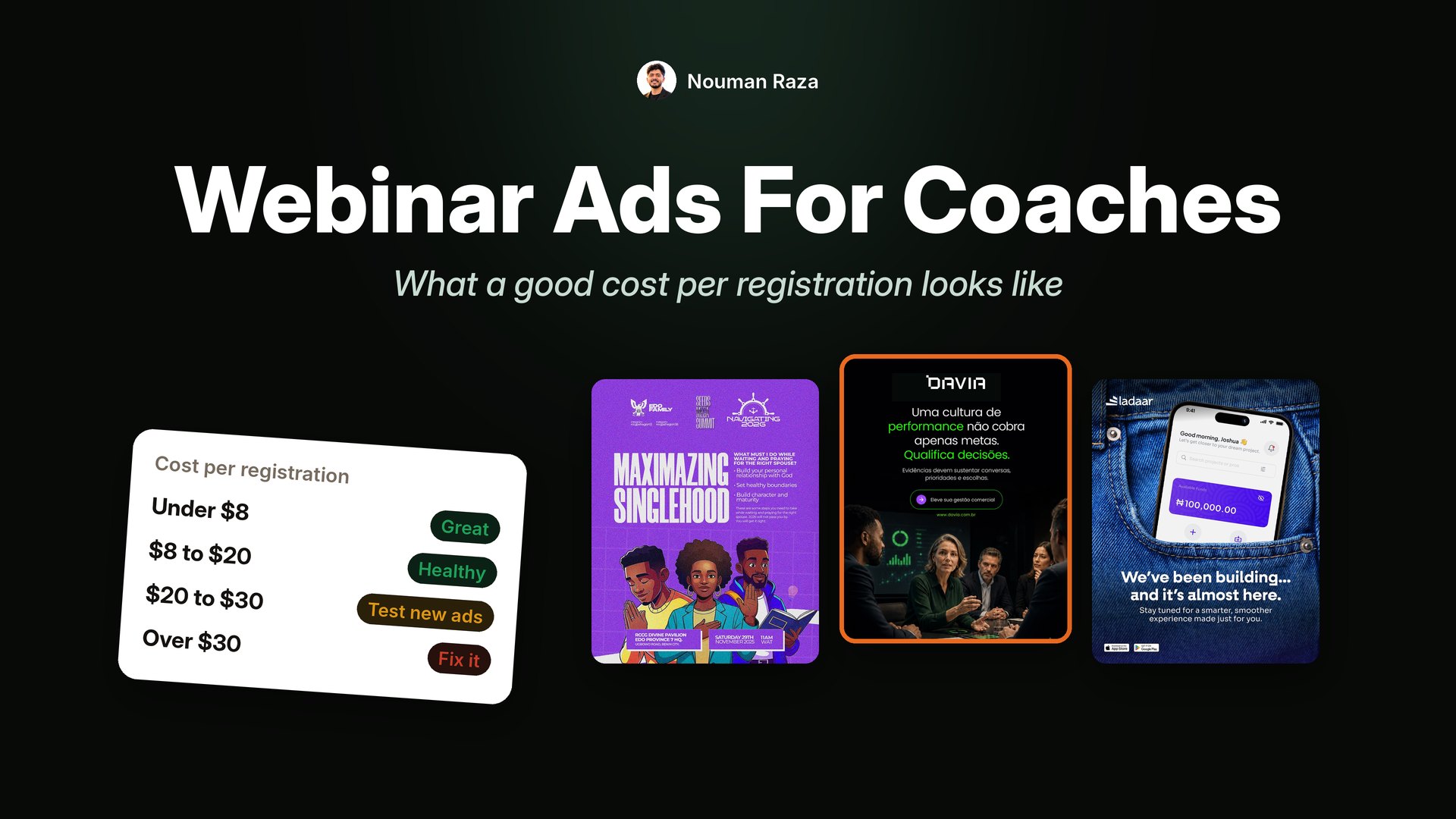
| Cost per registration | What it usually means |
|---|---|
| Under $8 | Great, but check that show-up rate and lead quality are still good |
| $8 to $20 | Healthy for most coaching and info-product offers |
| $20 to $30 | Workable for high ticket offers, worth testing new creative |
| Over $30 for weeks | Something is off: the ad, the page or the offer |
Cost per registration is not the real number
Here is the trap. A cheap registration is only good if that person shows up and buys. Two webinars can have the same cost per lead and totally different results.
So track three numbers, not one:
- Cost per registration. What the ad costs to get a name and email.
- Cost per show-up. Total ad spend divided by people who actually attended.
- Cost per sale or booked call. The only number that pays your bills.
If your registrations are cheap but your show-up rate is 10%, your ad is probably too broad or too "free stuff" focused. It is attracting people who like free things, not people who want your result.
A webinar ad is not trying to get the most sign-ups. It is trying to get the right people in the room.
Do the math backwards from a sale
Before you judge your cost per registration, work out what you can afford. Here is a simple example for a coach selling a $3,000 program:
- Show-up rate: 25% of registrants attend live.
- Close rate: 4% of attendees buy.
- So 100 registrations bring 25 attendees and about 1 sale.
If one sale is worth $3,000 and you are happy to spend 30% of that on ads, you can spend about $900 per sale. That means you can pay up to $9 per registration (because 100 registrations make one sale).
Now change one number. If you get your show-up rate to 35%, the same 100 registrations bring 35 attendees and about 1.4 sales. Suddenly you can afford around $12 per registration. This is why show-up rate and the quality of the people who register matter just as much as the cost of the lead.
Why webinar ads get expensive
From what I see in briefs and accounts, these are the usual reasons:
- The ad talks to everyone. "Grow your business" speaks to nobody. "For barbers making good money who want to cut three days a week" speaks to one person, and that person stops.
- The ad sells the webinar, not the result. Nobody wants to attend a webinar. They want what they will walk away with. Lead with the outcome.
- The key details are hidden. If people have to click to find out it is free, live, on Zoom and next Tuesday, many will not bother.
- The same ad runs every launch. Your warm audience has seen it three times. New launch, new creative.
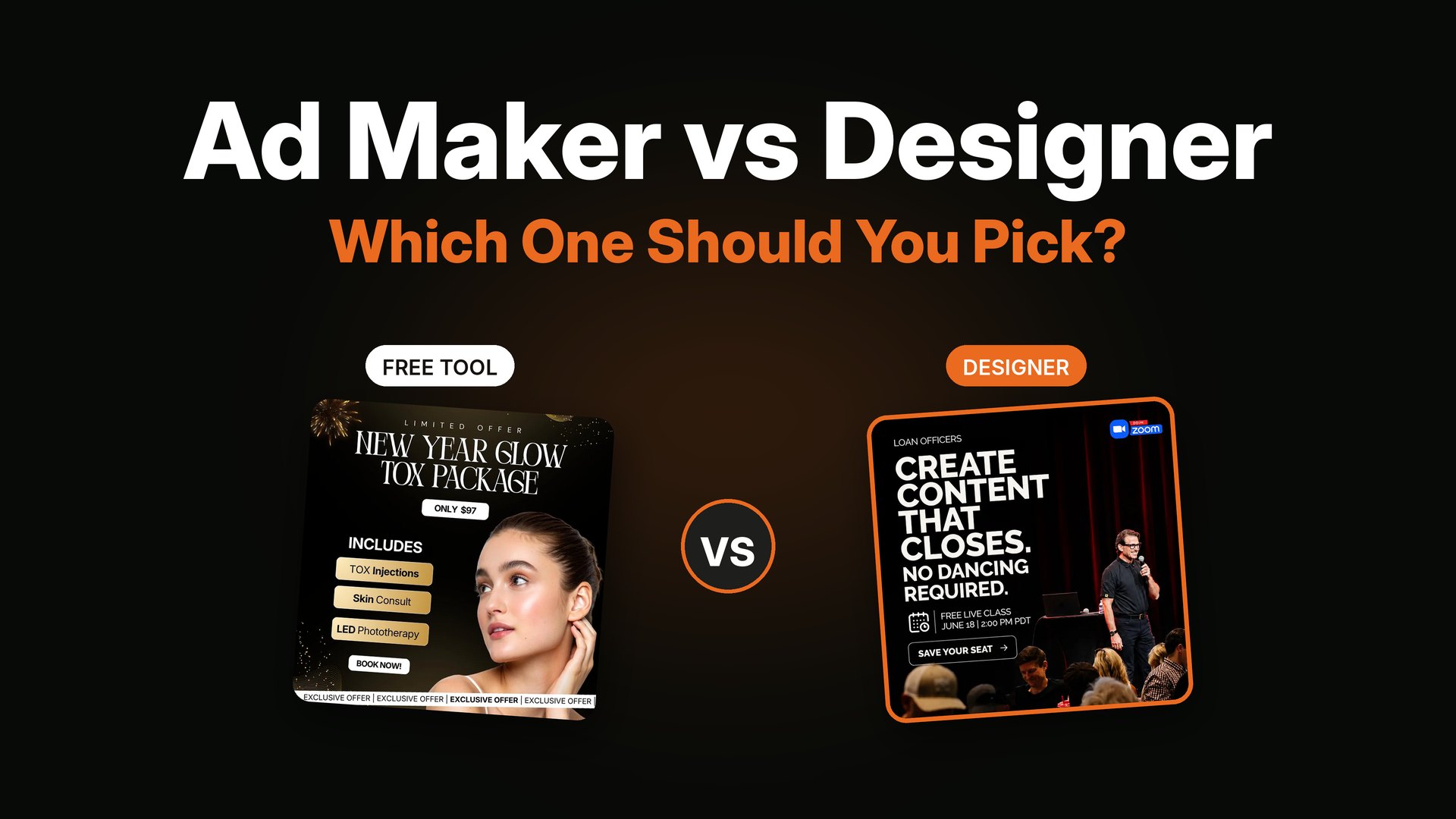
- It looks like every other webinar ad. A stock photo with "FREE MASTERCLASS" across the top blends into the feed.
How I build a webinar ad that converts
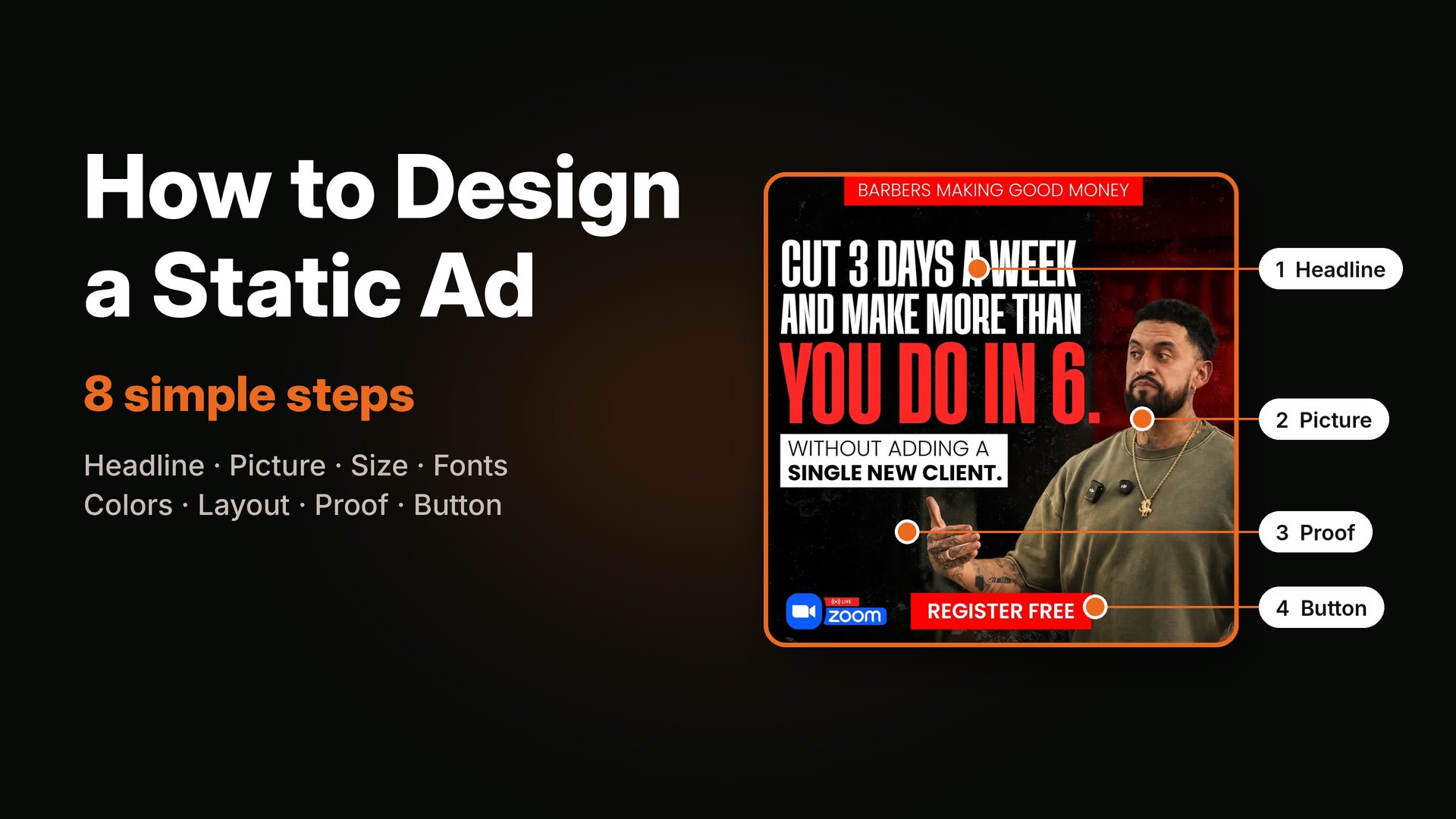
Every webinar ad I make has the same five parts. You can use this as a checklist.
1. A specific callout at the top
Name the exact person this is for. A job, a stage, a situation. "Loan officers." "Barbers making good money." "Painting contractors doing $350K to $3M." The right person sees themselves and stops. Everyone else scrolls, which saves you money.


Two different audiences, each named right at the top. The callout does the targeting for you.
2. One big result, not a list of topics
The headline should be the result the training promises, in the buyer's words. "Cut 3 days a week and make more than you do in 6" is much stronger than "Learn time management for barbers."
3. The coach's face
For coaching offers, people buy the person. A real, confident photo of the coach builds trust before the click. It also helps people recognize the ad when they see it again, which helps show-up rates.
4. Date, time and "live on Zoom" in plain sight
Put the logistics on the ad. Date, time with time zone, "free live class," and the Zoom badge. It answers the first three questions before they are asked, and makes the event feel real and soon.


Free, live, date, time, Zoom. All visible without a click.
5. A button that matches the next step
"Save my seat," "Reserve my free seat," "Register free." Short, clear, and the same words as the button on the registration page.
Headline formulas that work for webinar ads
You do not need to start from a blank page. These simple shapes work well for coaching and info-product webinars:
- Result without the pain: "Cut 3 days a week and make more than you do in 6."
- Stop / start: "Stop chasing leads. Start getting called."
- Specific number: "How 3 painting contractors added $50K a month."
- Callout question: "Loan officers, tired of competing on rates?"
- Myth buster: "Market updates are not getting you clients. Here is what does."
- Before / after time: "From 60-hour weeks to 4 days in 90 days."
Pick the one that fits your offer, then write it in the words your buyers actually use. Your sales calls, DMs and comments are the best place to find those words.
Make the registration page match the ad
A lot of webinar money is lost between the ad and the form. When someone taps "Save my seat," the page they land on should feel like the next step of the same ad:
- Use the same headline as the ad, or very close to it.
- Show the same coach photo and the same colors.
- Put the date, time and time zone at the top.
- Keep the form short. Name and email is enough for most webinars.
- Add three bullet points on what they will learn, and nothing more.
If people click but do not register, this page is the first place to look.
Callout examples by niche
A strong callout is the cheapest targeting you can buy. Here are some examples of how specific you can get. Use them as a starting point and swap in your own buyer.
- Business coaches: "Agency owners stuck at $20K a month."
- Fitness coaches: "Busy dads over 40 who want to lose the belly without a gym."
- Real estate and lending: "Loan officers tired of competing on rates."
- Trades and contractors: "Painting contractors doing $350K to $3M."
- Barbers and salons: "Barbers who are fully booked but still not making enough."
- Career coaches: "Nurses who want to move into remote work."
- Money and investing: "First-time investors with $5,000 to start."
Notice that each one names a job or a situation, and often a level. The more exact the callout, the more the right person feels like the ad was made for them. It also means fewer wrong people click, which keeps your cost per show-up down.
Use your past webinar to make better ads
If you have run the webinar before, you already have great ad material. Look at the questions people asked in the chat, the moment people got most excited, and the words buyers used on sales calls. Turn the best questions into callouts, and the most exciting moment into the headline. These ads almost always beat ones written from scratch, because they use your buyers' real words.
Make several versions for every launch
For each webinar, I usually plan a small batch instead of one ad:
- 2 to 3 callouts for different types of buyer in your audience.
- 2 visual styles, like a bold text-heavy version and a coach photo version.
- 1 urgency version for the last few days, like "last spots" or "this Thursday."

A last-days urgency version. Run this near the end of the registration window.
This gives Meta real options to choose from, and gives you clear learning about which buyer and which promise works best. It also means you are not stuck with one tired ad halfway through the launch. For a general rule on volume, see how many ad creatives to test per week.
How to get more people to show up
Cheap registrations are wasted if nobody comes. Some simple things that help:
- A thank-you page with a next step. Ask them to add it to their calendar or join a WhatsApp or text reminder list.
- Reminder emails and texts. Day before, one hour before, and when you go live.
- A reason to come live. A live Q&A, a bonus for live attendees, or a limited offer only for the live session.
- Shorter time to the event. Registrations made weeks before often forget. Many coaches see better show-up when the event is a few days away.
- Ads for registrants. A small retargeting campaign to people who registered, reminding them of the date and the main promise.
Quick fixes if your webinar ads are expensive right now
- Add a clear callout line to the top of the ad.
- Rewrite the headline around one result, in the buyer's words.
- Put "free," "live," the date and the time on the image.
- Make sure the registration page headline matches the ad headline word for word.
- Add one fresh visual if your warm audience has seen the same ad for weeks. More on that in why Facebook ads stop working after a few days.
If you are getting clicks but nobody registers, the issue is usually the page, not the ad. I covered that in high CTR but no sales.
FAQ
How much should I spend on webinar ads?
Many people start with $500 to $1,000 a week to learn what works, then scale slowly once the cost per registration and show-up rate are stable.
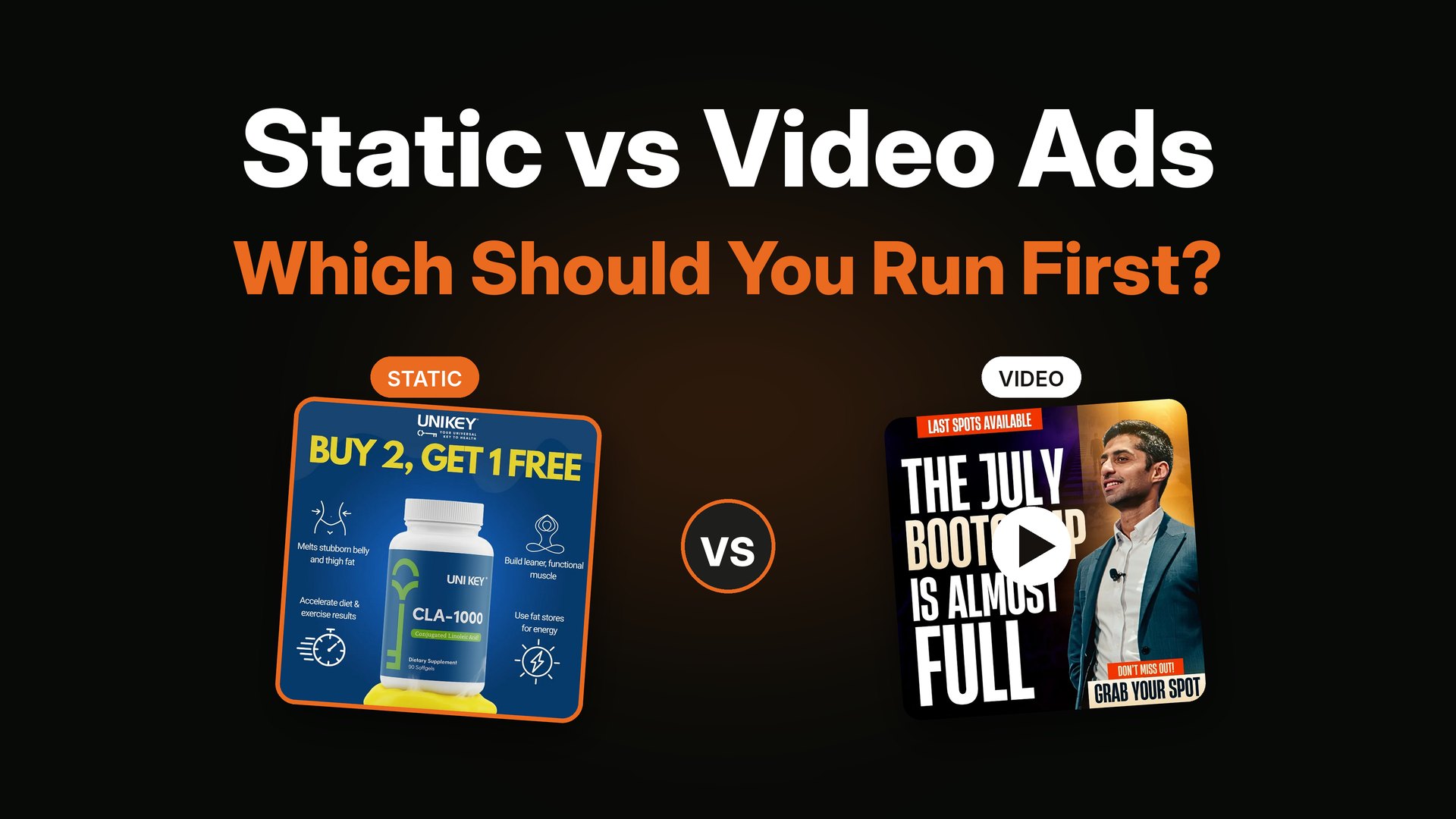
Should webinar ads be static or video?
Both can work. Statics are great for testing callouts and headlines fast and cheap. Once you know which promise works, a short video from the coach can do very well with that same message.
What show-up rate is normal for a free webinar?
Around 20 to 30% is common for live webinars from cold traffic. Reminder emails, texts and a strong reason to attend live can push it higher.
How many ads do I need for one webinar launch?
A batch of four to six different ads is a good start for most launches, plus one or two urgency versions for the last days.
Why are my webinar registrations cheap but nobody buys?
The ad is probably attracting people who like free content instead of people who want your result. Make the callout more specific and the promise more serious, even if registrations cost a little more.
Should I run webinar ads to cold or warm audiences?
Both. Cold audiences fill most of the room, while warm audiences (your followers, email list and past visitors) usually register cheaper and show up more. Make sure your warm audience sees the ad early in the launch.
How long before the webinar should I start ads?
Many coaches start one to two weeks before the event, with most of the budget in the last week. Evergreen webinars that run every week can run ads all the time.
Want webinar ads that fill the room with the right people?
This is one of the main things I do. You can see my webinar ad work here. If you have a launch coming up, book a call and I will help you plan the callouts, the promise and the full batch of ads.