TL;DR: You can make a static ad with a free ad maker, an AI generator or a designer. Free tools are fine for one or two simple ads. AI tools are fast for many small variations. A designer is best when you need new ideas every week and want the ads to match your brand. Pick based on how many ads you need and how much you want help with the message.
Search for "free ad maker" and you will find hundreds of tools. Some are great. Some make every ad look the same. So which one should you use, and when is it smarter to pay a person?
I make static ads for a living, so I use tools every day and I also know where they stop. In this guide I will compare the main kinds of ad makers in plain words, tell you what each one does well, and help you pick. I will not pretend there is one best answer. It depends on what you need.
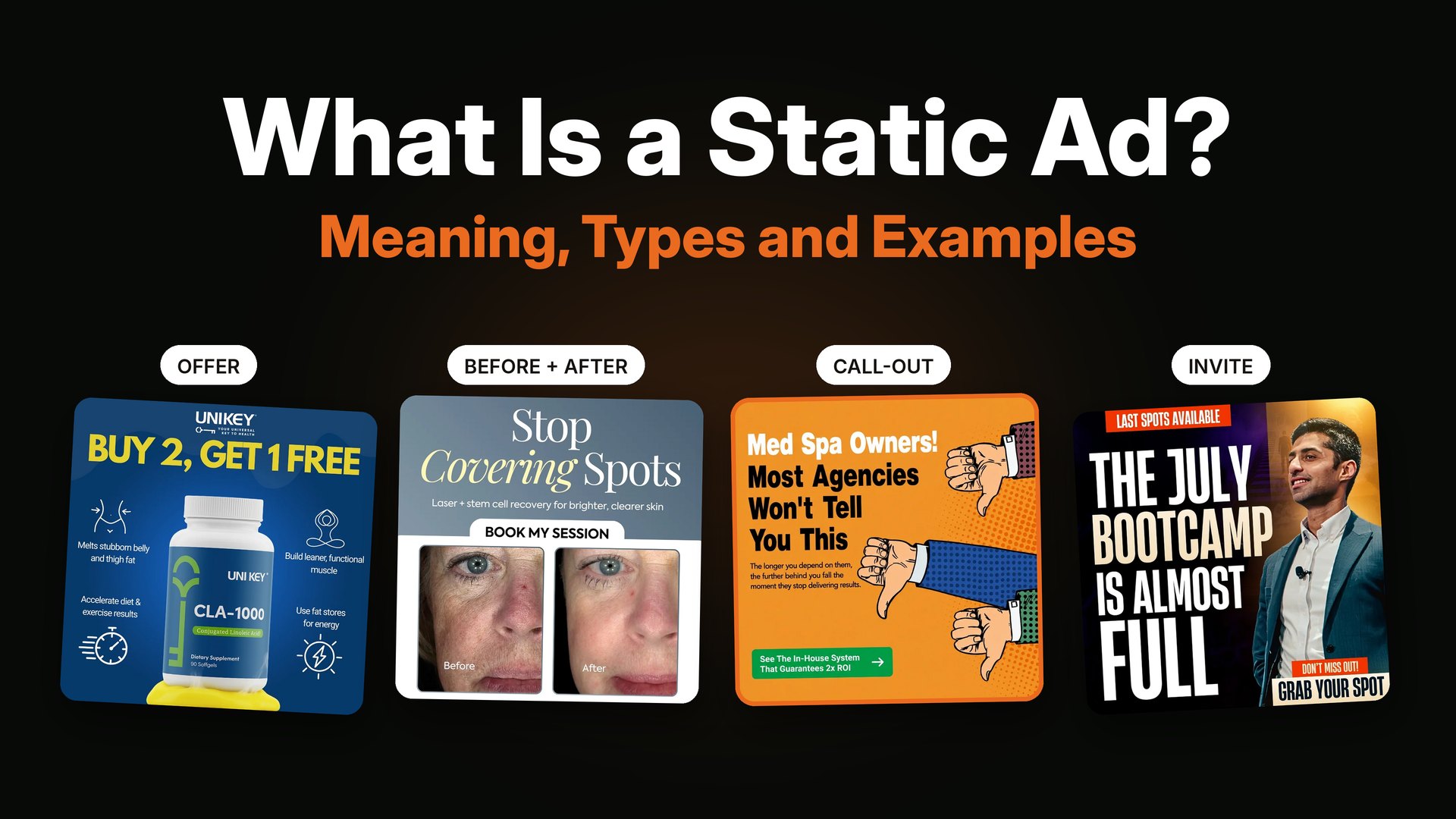
If you are new to this, read what a static ad is first.
The 4 ways to make a static ad
- A free or cheap design tool with templates, like Canva or Adobe Express.
- A design app like Figma or Photoshop, where you build from scratch.
- An AI ad generator, where software makes many ads for you.
- A static ad designer, a real person who makes the ads and plans the angles.
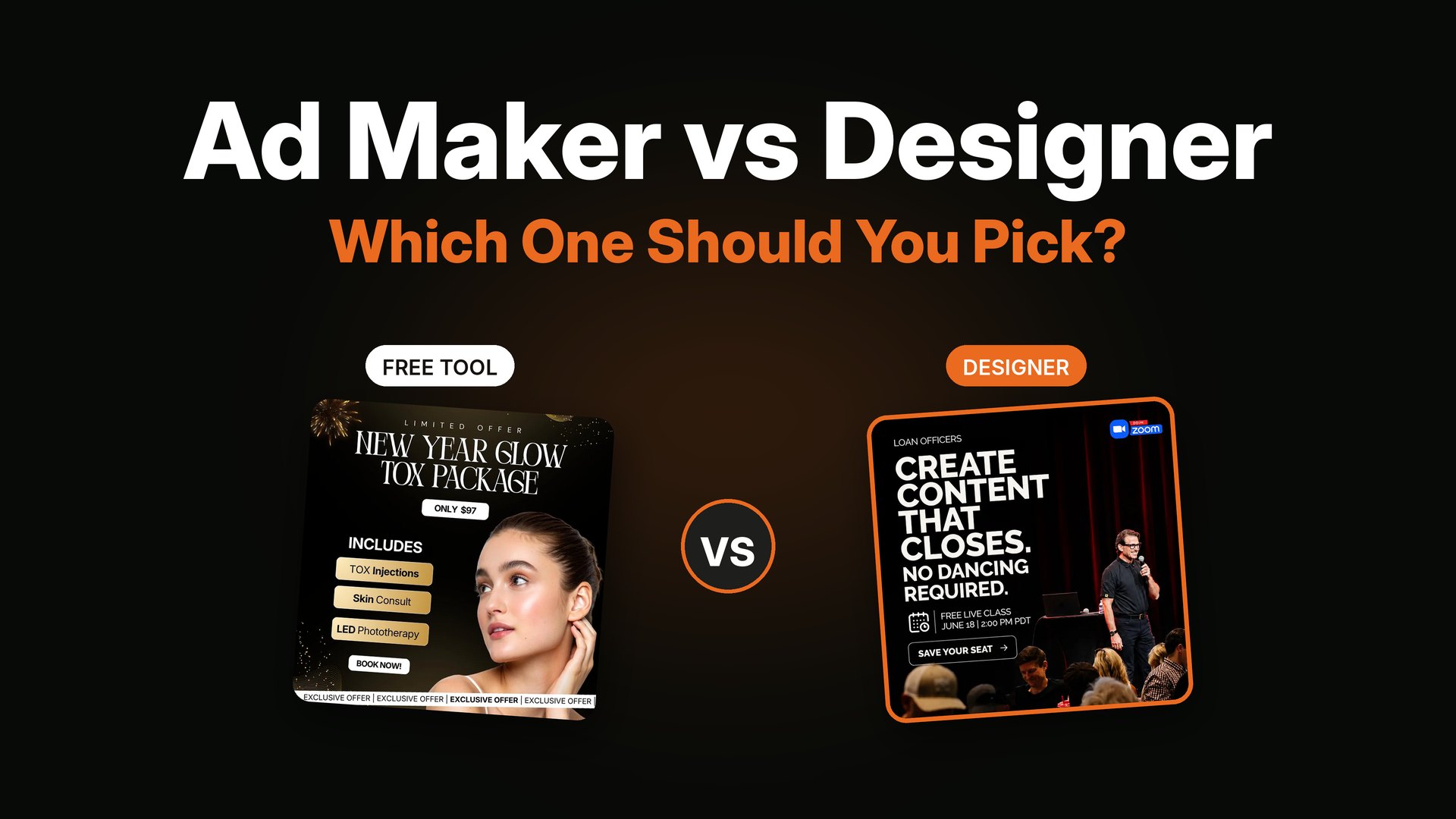
Here is how they compare.
| Option | Best for | Cost | Speed | Weak spot |
|---|---|---|---|---|
| Template tool | One or two simple ads | Free plan, then a small monthly fee | Fast | Ads can look like everyone else's |
| Design app | People who already know design | Free to paid | Slow at first | Takes time to learn |
| AI generator | Many small variations | Monthly plan | Very fast | Ideas can feel generic, text can have errors |
| Designer | New ads every week with real strategy | Per ad or monthly | Steady | Costs more than a tool |
Prices change often, so always check each tool's own site before you pay.
1. Free ad makers and template tools
Template tools are where most people start, and that is fine. You pick a layout, swap the words, drop in a photo, and export. Canva and Adobe Express both work this way, and both have free plans.
Good things
- Easy. You can make an ad in an hour.
- Cheap. Many people never pay.
- Lots of sizes ready to go.
Watch out for
- Sameness. Many people use the same templates, so your ad can look like ten others.
- Weak words. A template cannot write your headline. The message is still your job.
- Brand drift. Without rules, colors and fonts change from ad to ad.
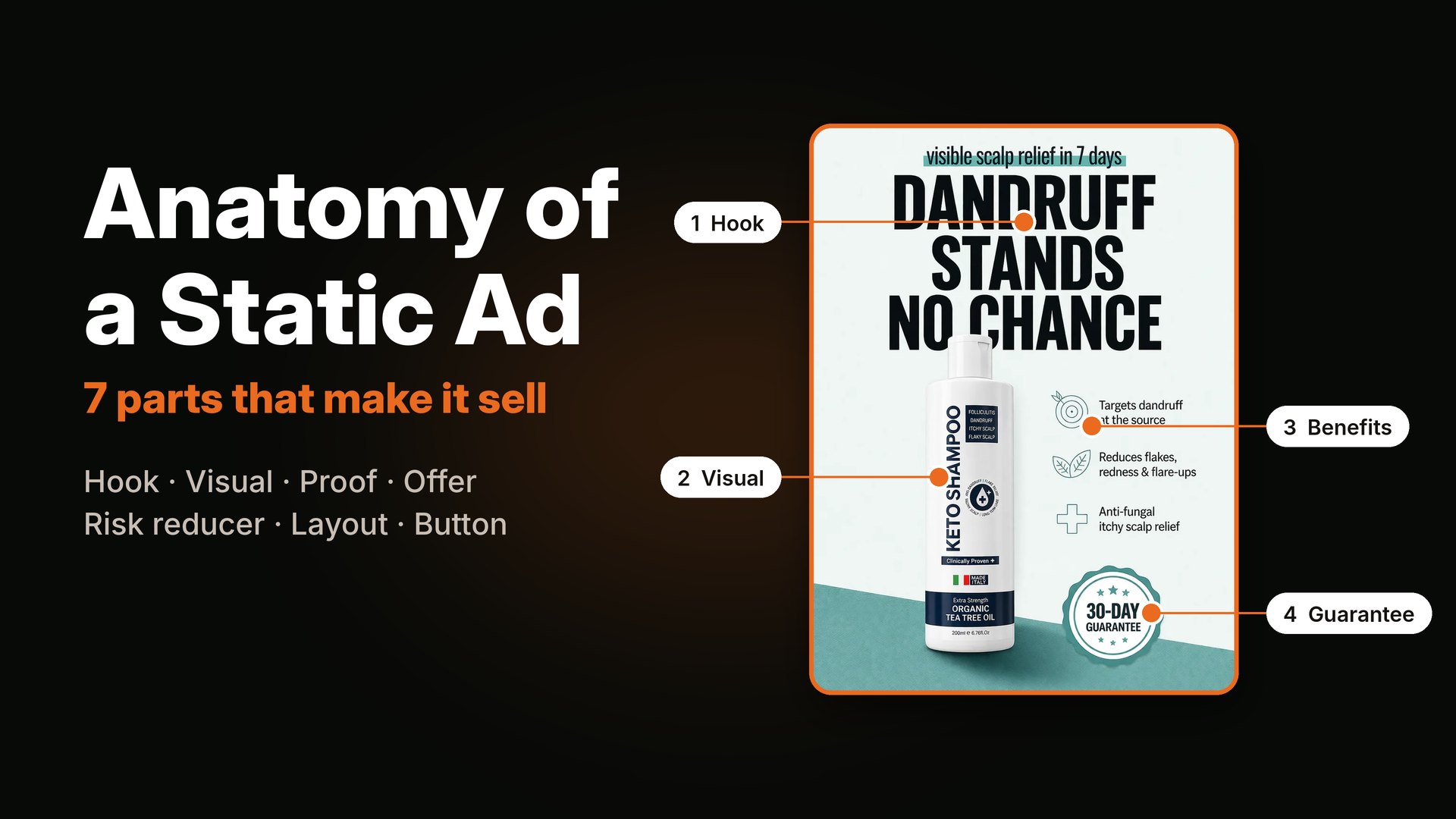
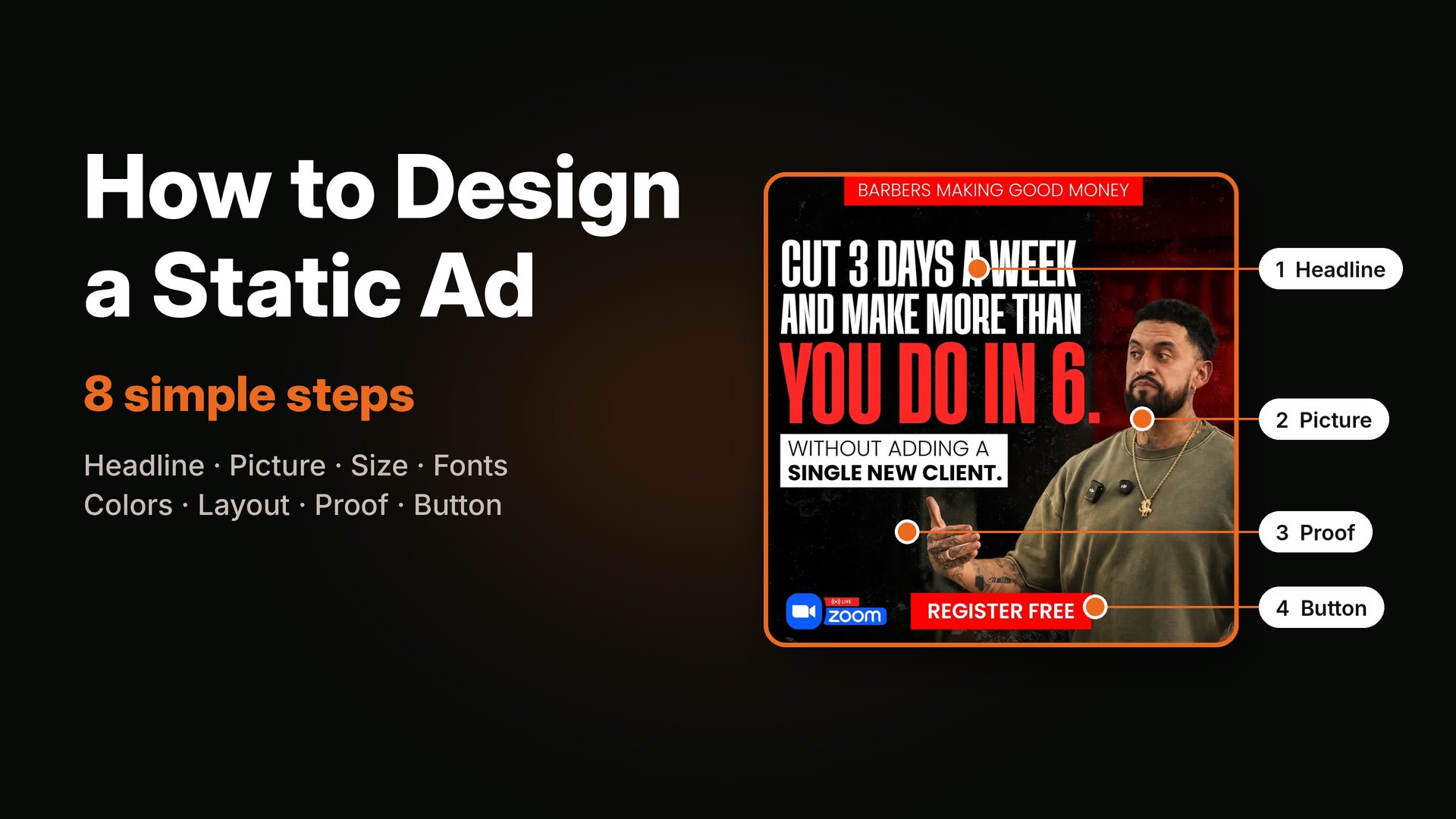
If you go this way, follow the steps in how to design a static ad. A good message in a simple template beats a fancy layout with a fuzzy message.
Ads that are mostly words in a clean box are easy to build in a template tool. Here are three styles you can copy.
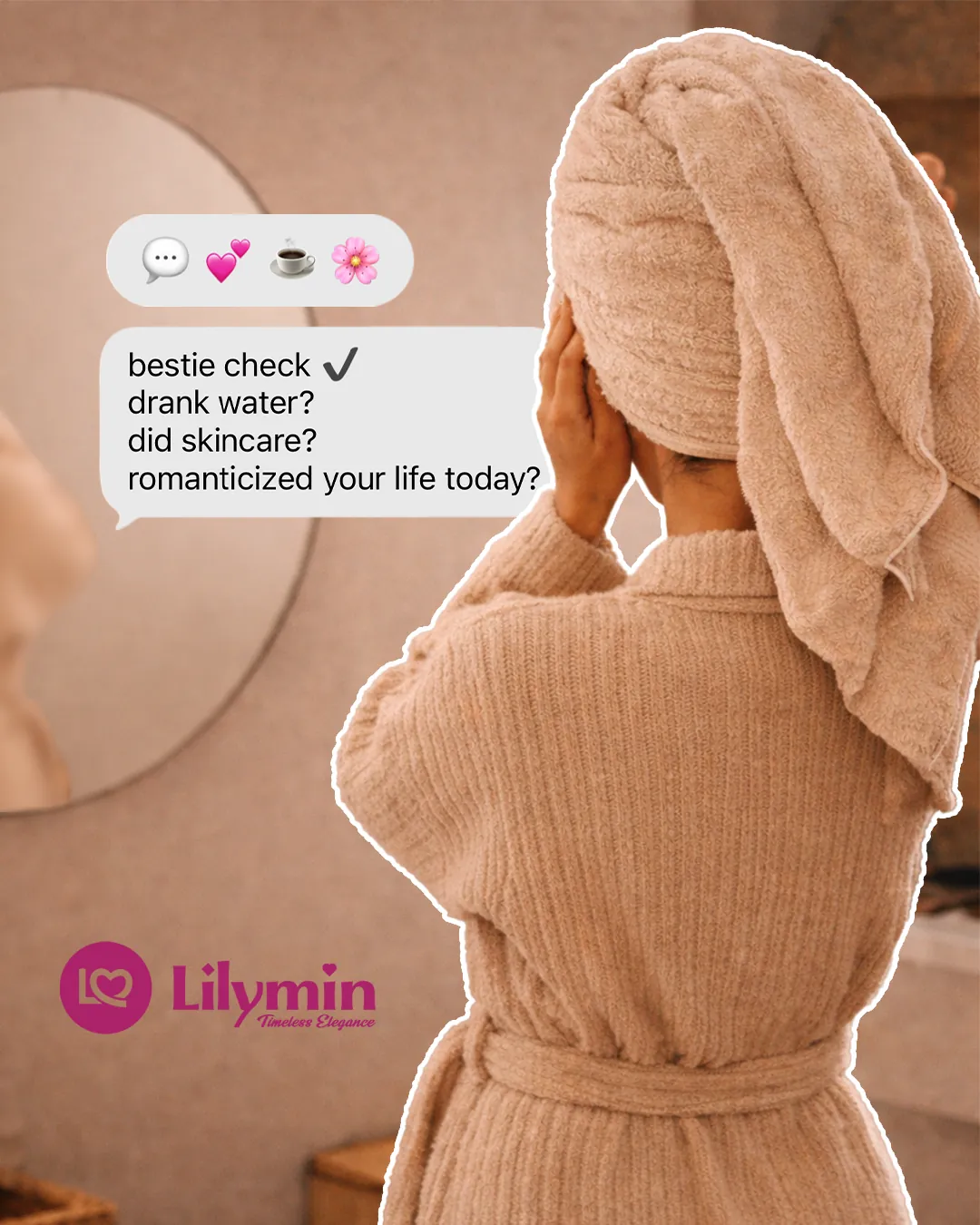
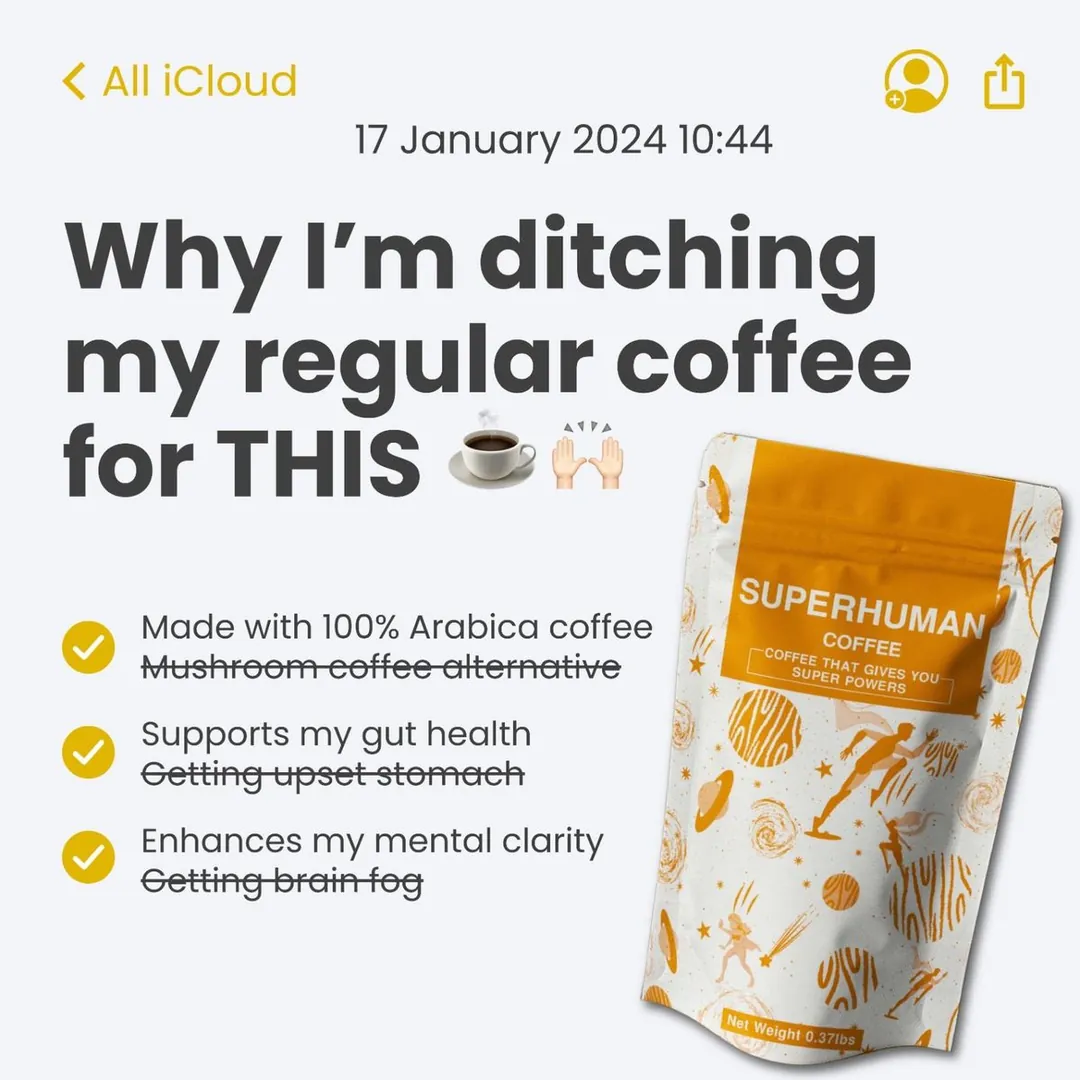
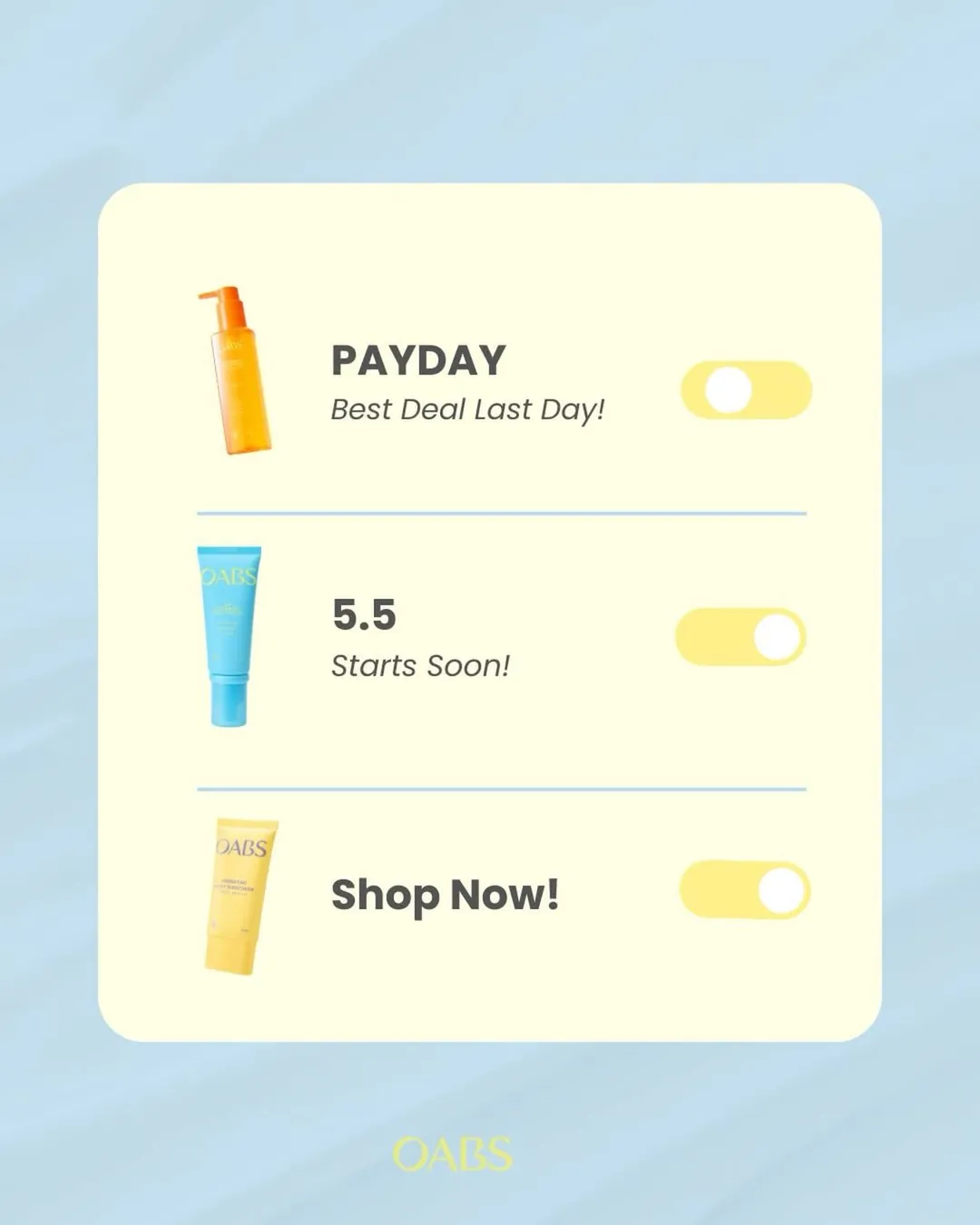
Simple styles that suit a template tool: a chat bubble, a phone note and a toggle switch.
2. Design apps like Figma and Photoshop
These tools give you full control. There is no template to hide behind, so you build every part yourself.
Good things
- Total control of the look.
- Great for building a set of ads in one style.
- Easy to make many sizes from one design.
Watch out for
- It takes weeks to get good.
- Easy to over-design.
Most professional designers work here. If you want to learn, it is a great skill. If you only need a few ads, it may be too much.
3. AI ad generators
AI ad makers are the new group. You add your brand, your product and a few details. The software then makes many ad images and sometimes the text too.
Good things
- Very fast. You can get many versions in minutes.
- Cheap per version.
- Helpful for finding small tweaks, like a new background or a new button color.
Watch out for
- Same-y ideas. The tool does not know your buyer. It guesses.
- Errors. Text can come out wrong, and products can look odd.
- Rules. You still have to check that the ad follows platform policy.
- Credits. Many plans limit how many ads you can make.
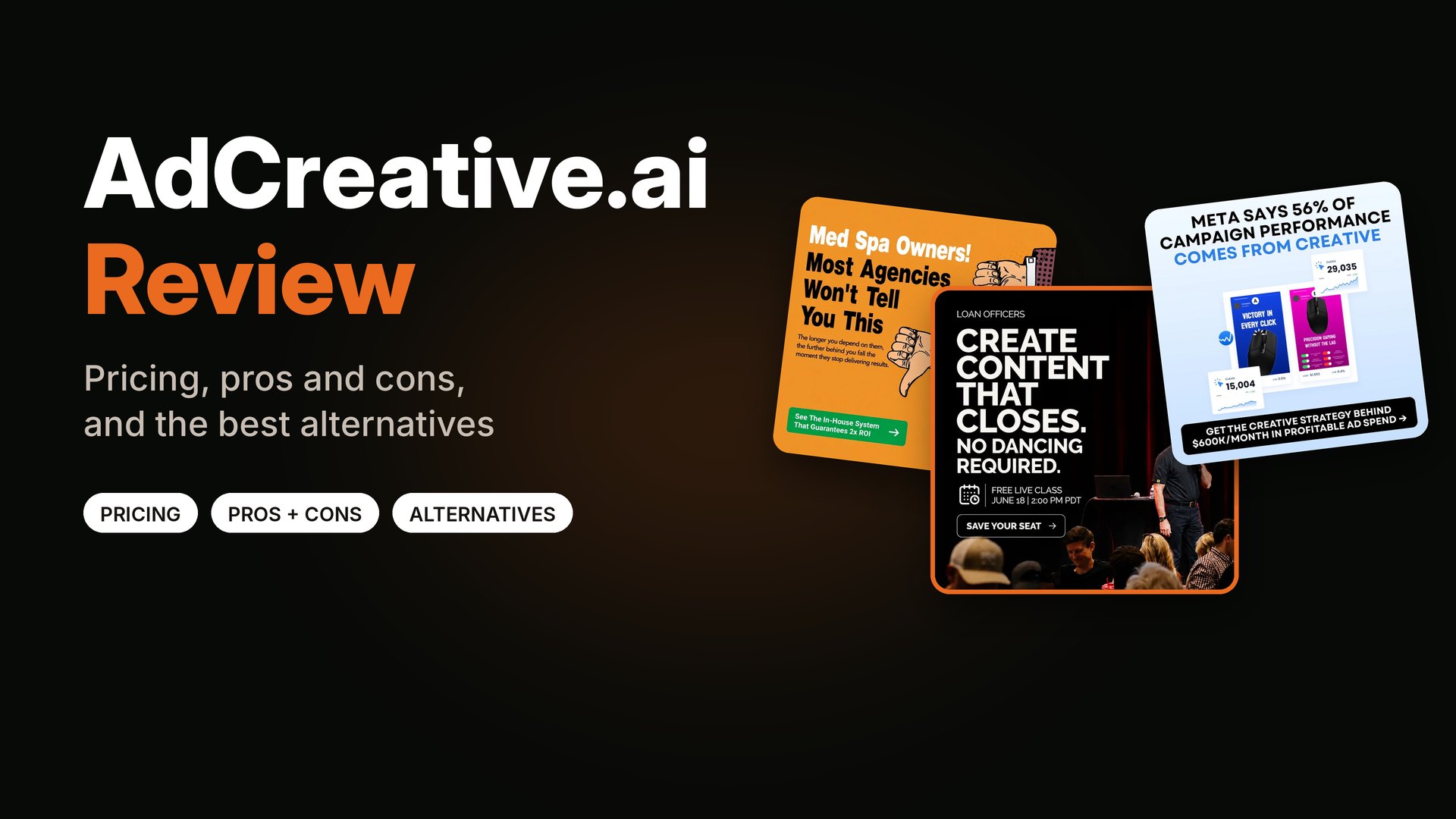
I wrote a full post on one of the best-known tools, AdCreative.ai review, pricing and alternatives. And if you run ads on Meta, you should also know about the free AI tools inside Ads Manager. I cover those in Meta Advantage+ creative for static ads.
What no tool can do for you
This is the part most "best ad maker" lists skip. A tool makes the ad. It does not decide what the ad should say.
Look at this ad.

"No dancing required" is an idea, not a layout. A tool will not think of that for you.
The line "No dancing required" works because I knew loan officers avoid making content. They picture themselves dancing on camera. One small joke removes that fear. A template cannot know that. An AI tool could only guess it.
Here is what a tool cannot do on its own:
- Find the angle. What does this buyer fear, want or doubt?
- Choose the proof. Which number, review or guarantee fits?
- Keep a steady style. Same fonts, colors and tone across every ad.
- Plan the tests. Which ads to run, and how to learn from the results.
- Know the buyer. A designer who has worked in your niche has seen what works.
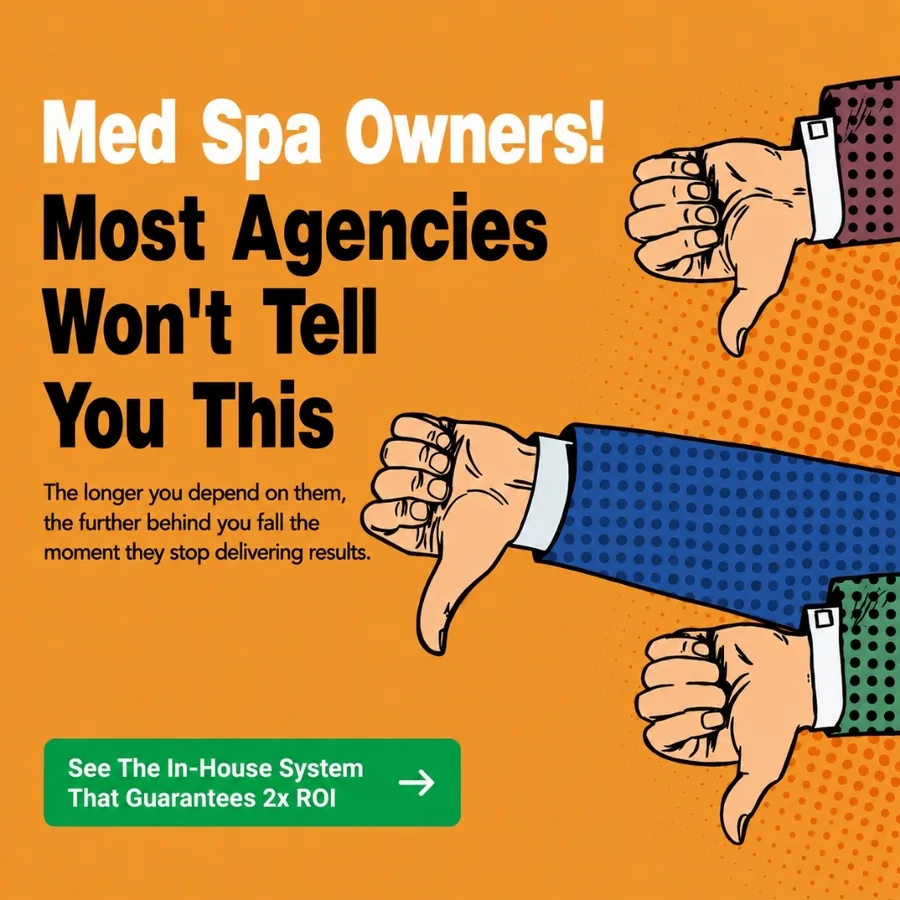
A call-out headline that names the buyer and the doubt in one line.
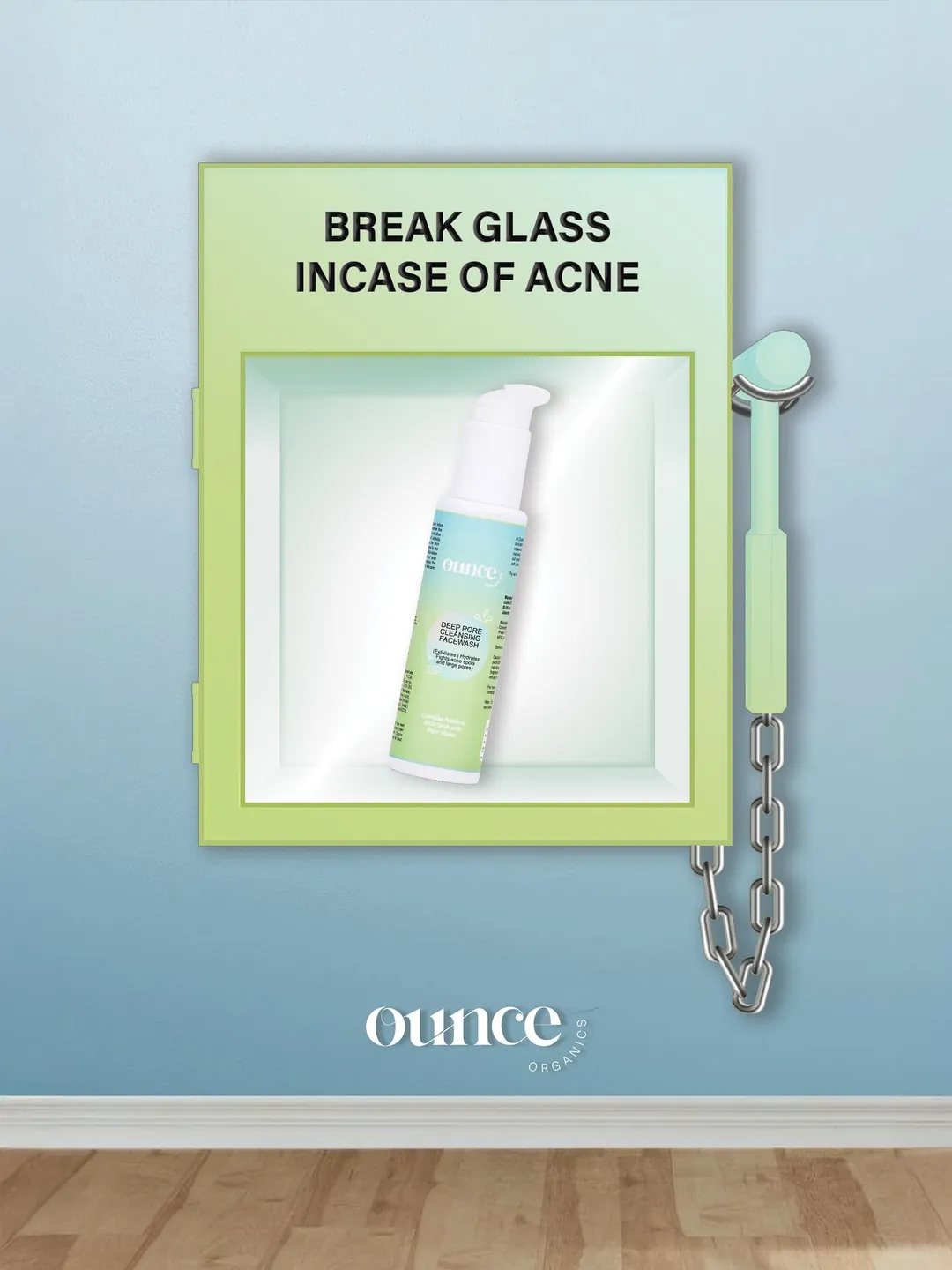
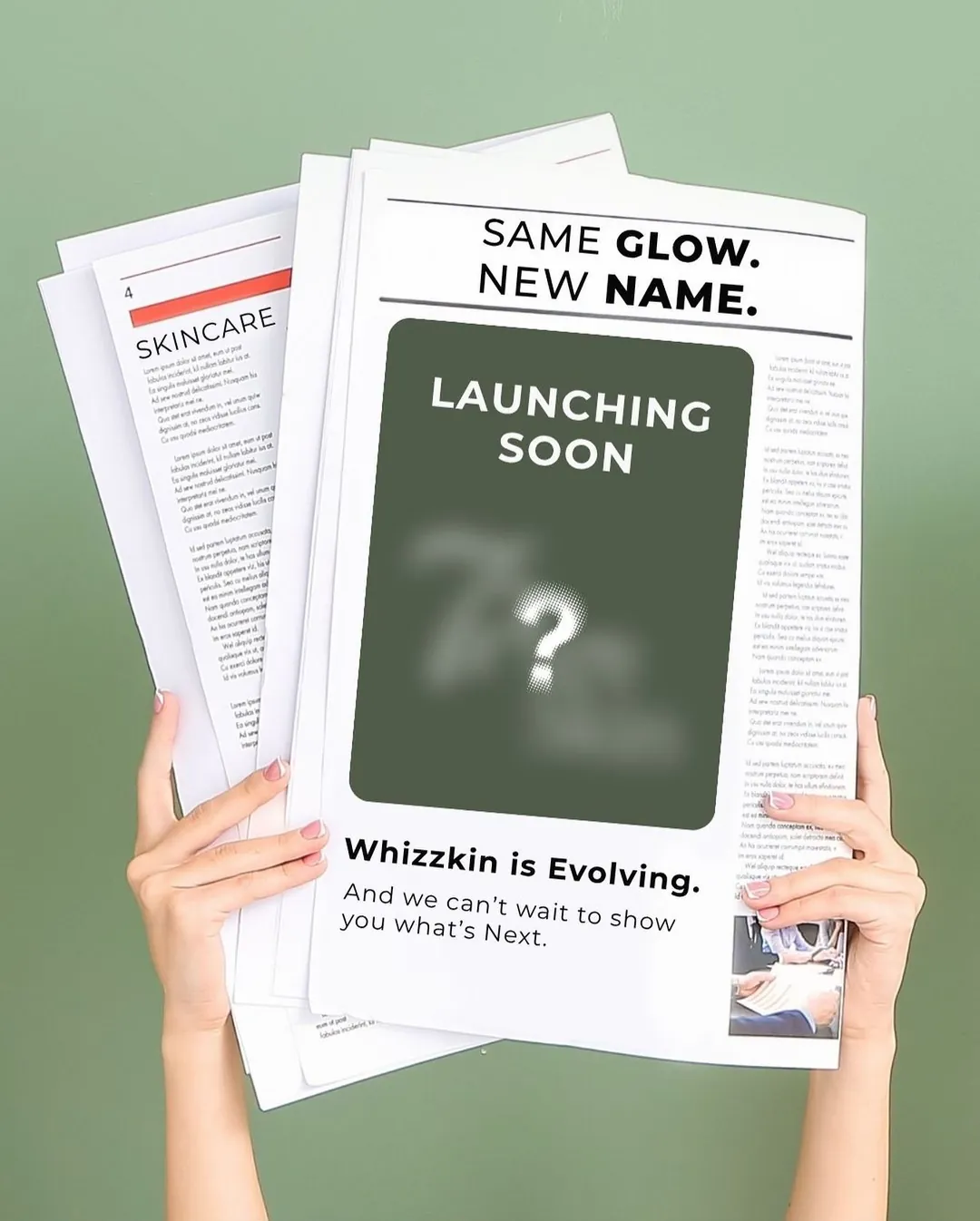
Idea-led ads: a fire-alarm box for acne and a fake newspaper for a launch. A person thought of these first.
So which one should you pick?
Use a free tool if…
- You need one or two simple ads.
- Your offer is easy to explain.
- You have more time than money.
Use an AI generator if…
- You already have a winning ad and want small variations.
- You can check every output yourself.
- You want to test lots of backgrounds or colors fast.
Hire a designer if…
- You need new ads every week.
- Your ads keep going stale. I explain why in why Facebook ads stop working after a few days.
- You want help with the angles, not just the layout.
- You sell to a niche, like coaches, clinics or B2B.
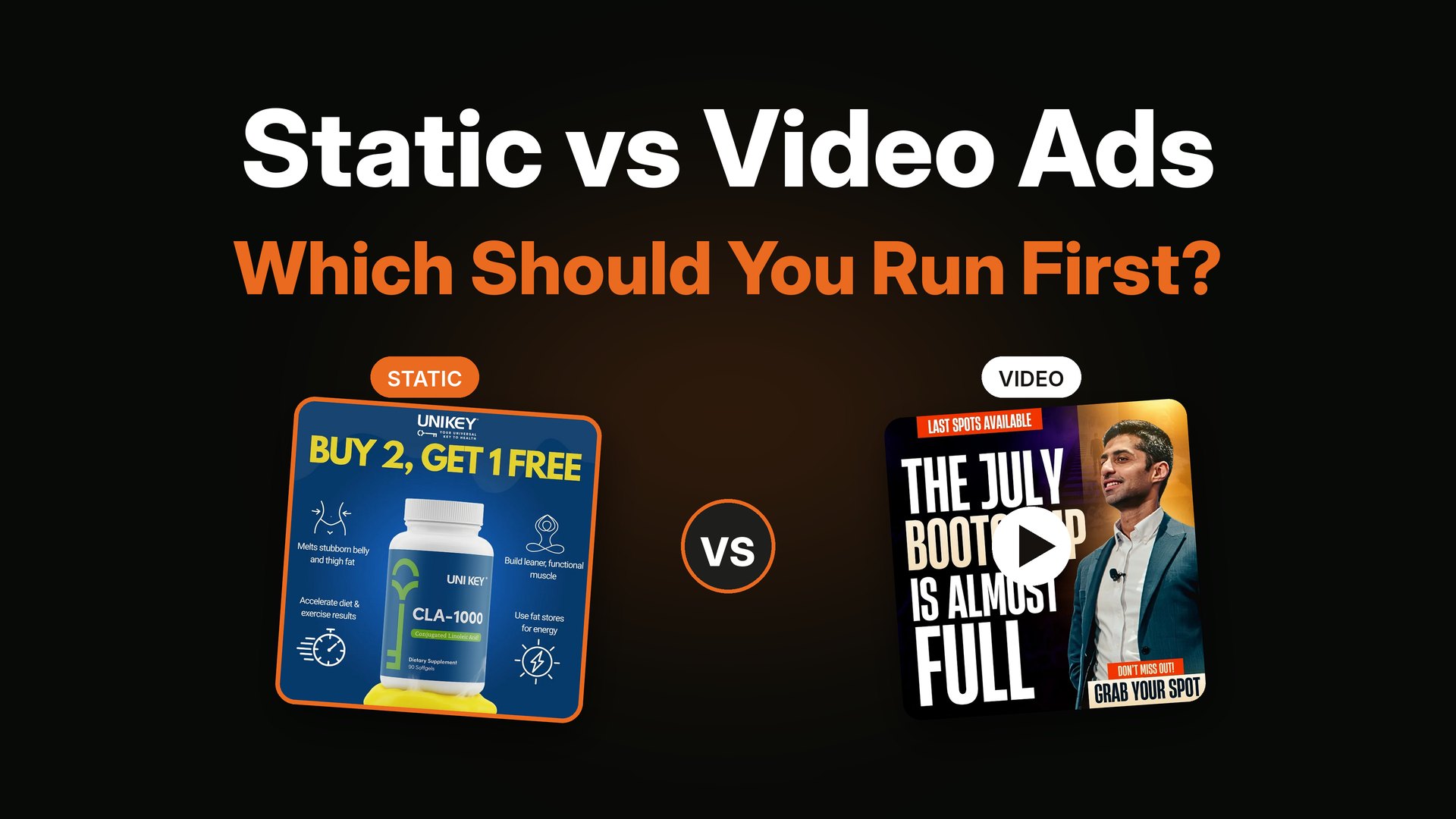
A lot of brands mix them. A designer makes the main ideas, and a tool makes the small resizes. That is often the best of both.
For costs, see how to hire a static ad designer and what it costs.
A simple test you can run
Do not take my word for it. Test it.
- Make five ads in your favorite tool.
- Get five ads from a designer, or make five with a fresh idea each.
- Put the same budget on each.
- Run them for the same number of days.
- Compare cost per result, not just clicks.
I show how to run a fair test in how many ad creatives to test per week.
Quick tips if you make ads yourself
- Write the headline before you open the tool.
- Use one picture and one button.
- Use two fonts and three colors at most.
- Check the ad on your phone.
- Read it out loud for typos.
- Save your best ads in one folder so you can copy what works.
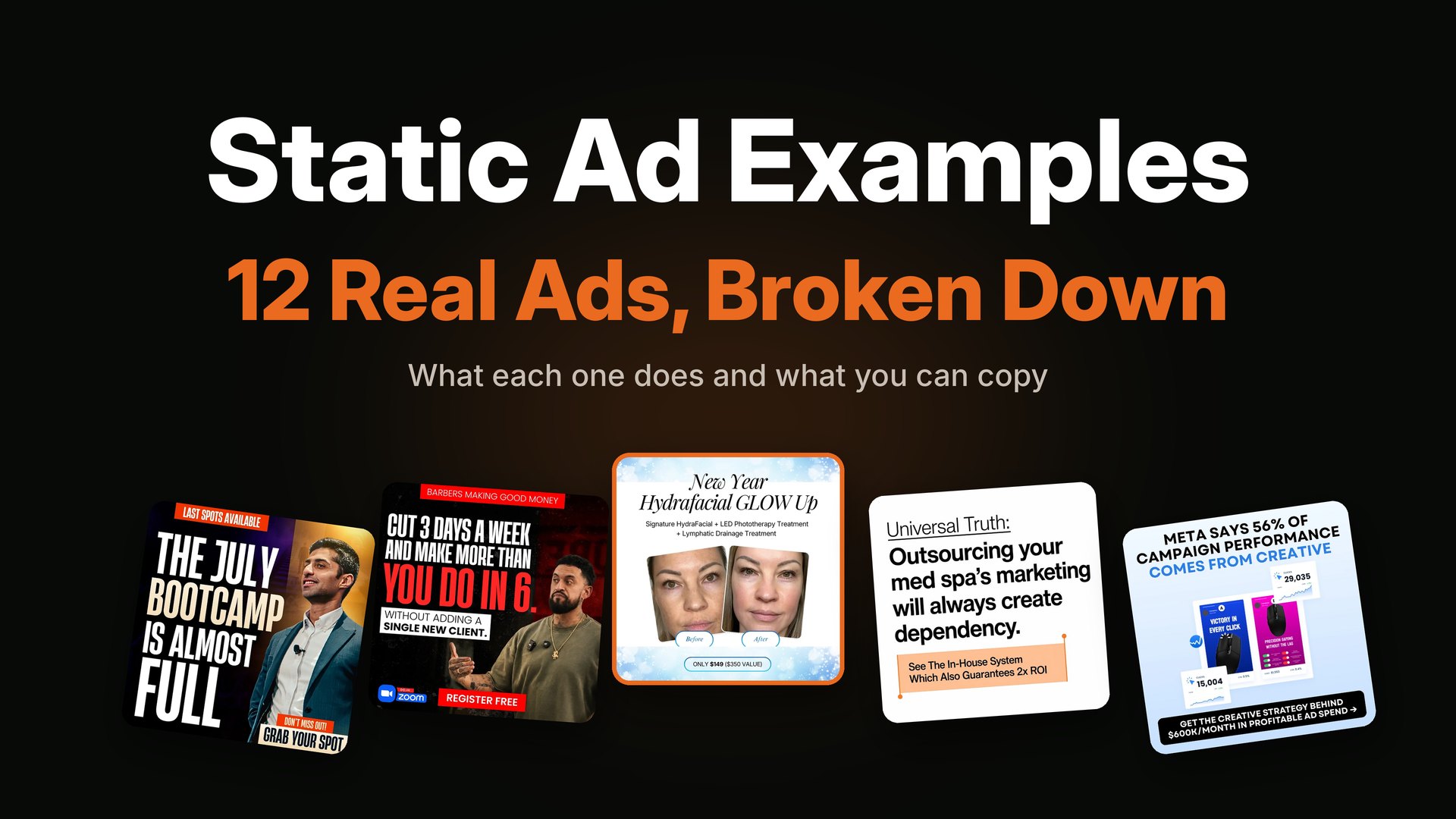
For real examples to learn from, see 12 static ad examples broken down.
FAQ
What is the best free ad maker?
There is no single best. Canva and Adobe Express are popular because they are easy and have free plans. Figma is good if you want more control. The best tool is the one you will actually use, with a strong message inside it.
Is there a free static ad generator?
Some AI tools offer a free trial and some template tools have free plans. Free versions usually limit the number of ads or the quality. Always check each tool's site for the current offer.
Can I make ads in Canva?
Yes. Many small brands make their ads in Canva. It works best for simple layouts. For a clear headline, good contrast and one button, it can do the job.
Is AI good at making ads?
AI is good at speed and small changes. It is weaker at finding a fresh idea for your buyer. Many people use AI for variations and a human for the main concept.
Will AI replace ad designers?
AI will change the work, but strong ads still start with an idea about a real buyer. That part is still very human. Tools make production faster, which can help designers too.
How much does a static ad designer cost?
It depends on how many ads you need and how much strategy you want. I break down the usual ranges in how to hire a static ad designer.
Want ads made by a person who knows your buyer?
I design static ads and plan the angles with you, for DTC, e-commerce, coaching and info-product brands. You can look at more ad examples by industry or see what is included on my services page. If it looks like a fit, book a short call and we can start with a small test batch.