TL;DR: Meta Advantage+ creative is a set of free AI tools inside Ads Manager that change your ad after you upload it. It can resize your image, write new text, add templates and more. For static ads, I would keep the simple fixes on, test the AI image changes with care, and turn off anything that changes your product or your message. Always check every version on your phone, and test "on" against "off."
Meta now wants to help you make your ads. When you upload a static image, Ads Manager may offer to brighten it, stretch it, add text or change the background. These tools sit under a name that changes now and then, often called Advantage+ creative or creative enhancements.
Some of these tools can save you time. Some can hurt a good ad. In this guide I will explain each one in plain words and tell you what I would do with a static ad. I will also show how to design your ads so the AI has less to break.
New to static ads? Read what a static ad is first.
A quick note before we start. Meta renames and moves these settings often, and some features roll out in some countries before others. So treat this post as a guide to what to look for, and check what you see in your own account. Meta also keeps official rules in its ads guide.
What is Advantage+ creative?
Advantage+ creative is a group of optional settings. When they are on, Meta can make small changes to your ad for different people and places. The goal is to help the ad fit each spot and get better results.
For static images, the tools can do things like:
- Fix brightness and contrast.
- Stretch the image to fit a new shape.
- Add borders, price tags or badges.
- Write new versions of your text.
- Swap or build a new background.
- Add a bit of motion, like a slow zoom.
A guide from Flighted says static image ads can use six of the nine enhancements. Music and video expansion only work on video. Jon Loomer has also written about Meta's generative AI features for ads, including image expansion and text variations.
The settings, and what I would do
Here is the full list for static ads. The advice column is my view as a designer, based on what these tools do and on the cautions in the guides above. Your own tests matter more than any advice, mine included.
| Setting | What it does | What I would do |
|---|---|---|
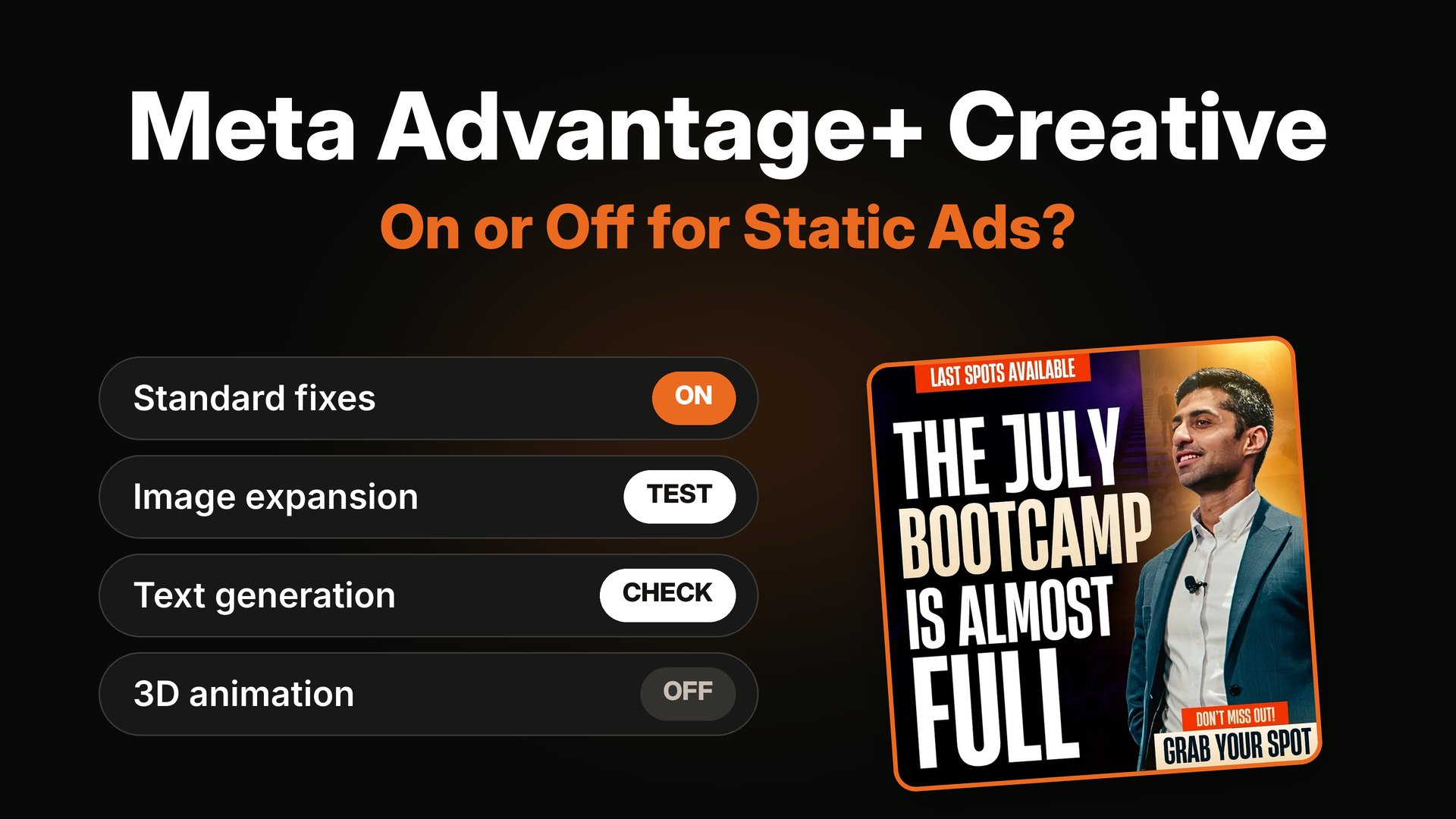
| Standard enhancements | Small fixes to brightness, contrast and shape | Usually fine to keep on. Turn off if exact brand colors matter. |
| Image expansion | Uses AI to add new pixels so your image fits other shapes, like Stories | Test with care. Check it on a phone before you scale. |
| Image templates | Adds borders, logos, price tags or badges | Use a little, or not at all. Too much makes ads look generic. |
| Text generation | Writes other versions of your headline and main text | Read every version first. Turn off if you make claims that need review. |
| 3D animation | Adds motion, like a slow zoom, to a still image | Fine for broad reach. Turn off for premium products and B2B. |
| Background generation | Builds a new background behind your product | Try on simple product shots. Avoid on lifestyle photos. |
| Catalog enhancements | A bundle of tweaks for catalog and shopping ads | Set at the catalog level, not per ad. |
Now let me go through the ones that matter most.
Standard enhancements: usually safe
These are small fixes, like a little more brightness or contrast. They rarely hurt. The only time I turn them off is when the brand has a strict color, like a luxury brand with one exact shade.
Image expansion: the one to watch
Image expansion is the biggest one for static ads. If you upload a square image and Meta needs a tall one for Stories, the AI paints new pixels at the top and bottom to fill the gap.
That sounds great, but it can go wrong. The AI may add odd shapes near your product, or it may bend a hand or a bottle. Text near the edge can get cut.
Here is how I look at a design before I upload it.

The headline and face sit in the middle. If the edges are stretched or cut, the message stays safe.
Compare that with an ad where the headline touches the edge. If the app crops or expands the edge, you lose words.
What I do: I make the tall version myself so the AI does not have to guess. Many ads only need a small tweak to work in 9:16. It takes a few minutes, and I know exactly how it will look.
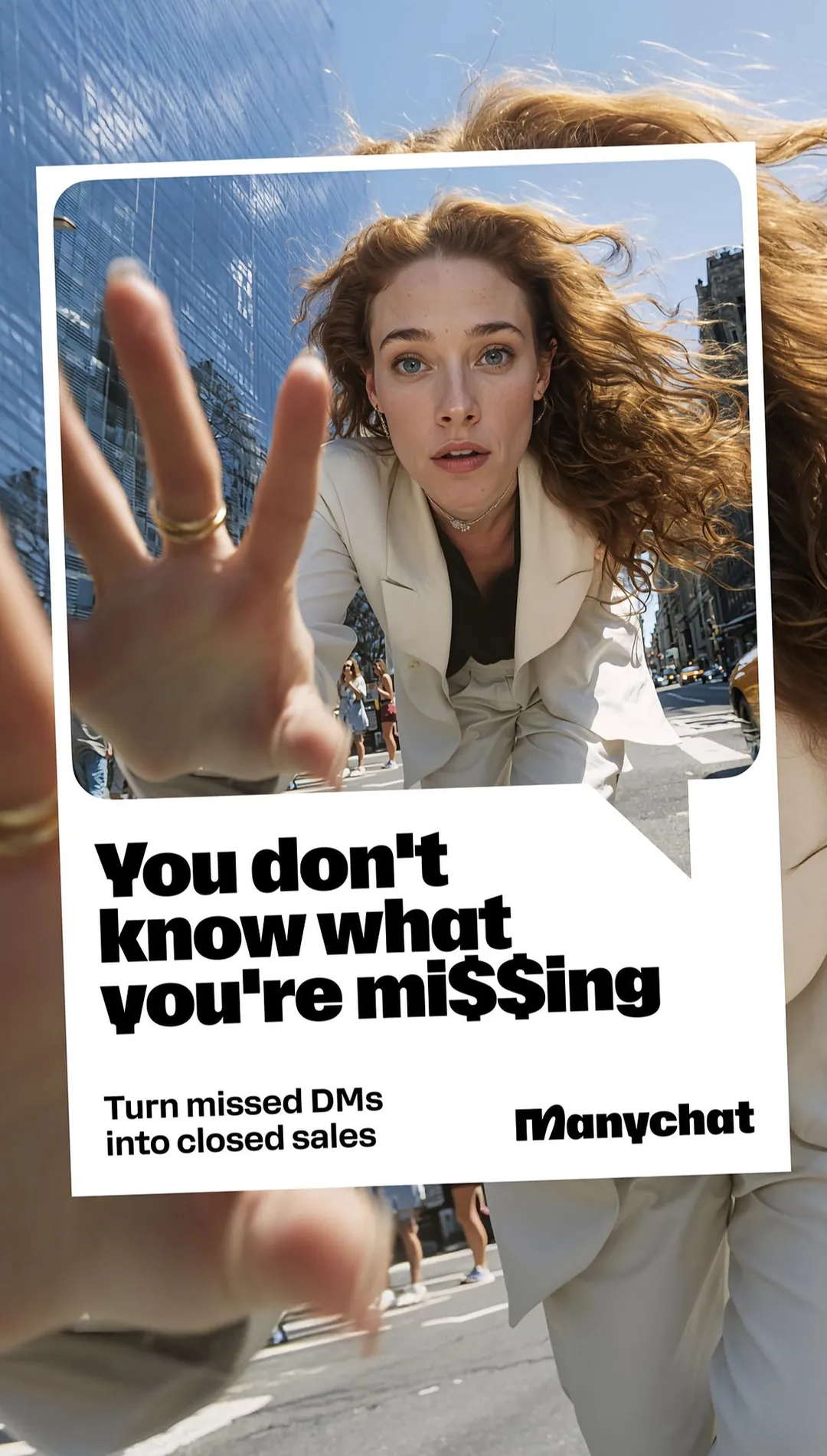
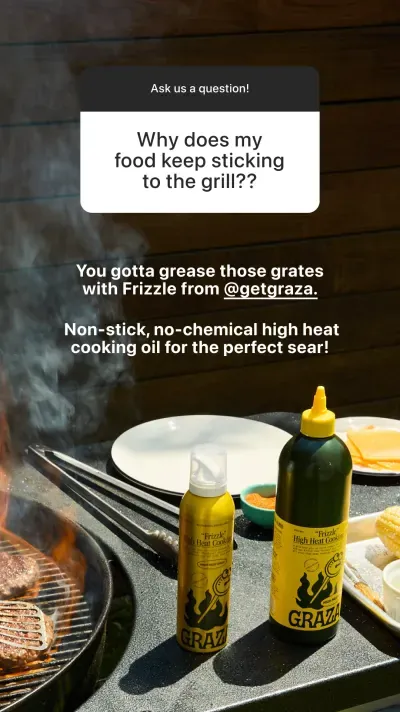
Tall ads built for Stories from the start. Nothing important sits near the top or bottom edge.
Text generation: read every line
Meta can write other versions of your headline and main text, using your own words and your page. The risk is simple. The AI might say something you did not mean.
For a store, it could promise a discount you do not offer. For a coach, it could make a big claim. For a clinic, it could cross a policy line.
What I do:
- Read each version out loud.
- Delete any line that makes a claim I cannot prove.
- Keep the voice of the brand.
If you want strong headline starts, use my hook bank.
Image templates: use a little, or not at all
Templates add things like a border, a price tag or a badge on your image. They can help a plain product shot.
But they can also fight with a design that already has a clear layout. If your ad already has a button and a badge, you do not need Meta to add more.
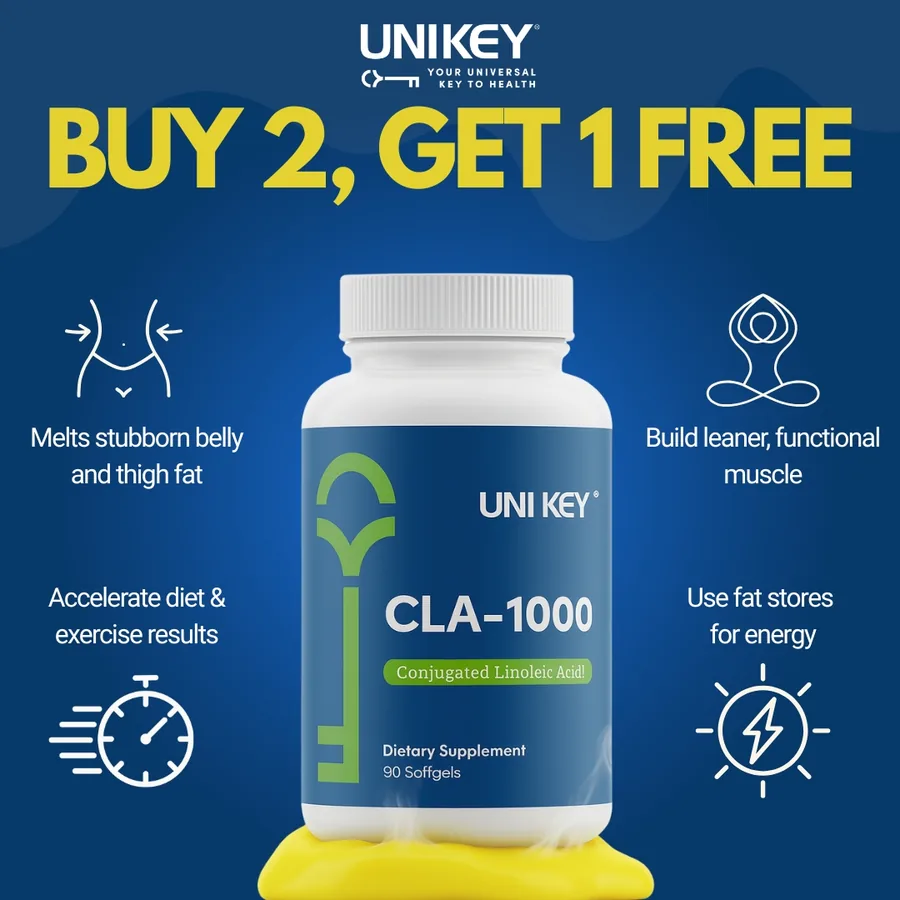
This ad already has the offer built in. Extra badges from a template would crowd it.
3D animation: nice for reach, not for everything
This tool adds slow motion to a still image, like a gentle zoom. It can help a plain ad stand out in the feed.
I would be careful with premium products and with B2B ads. Motion on a very clean design can look odd. If your brand feels calm and high-end, test it before you trust it.
Background generation: only on simple shots
This tool builds a new background behind your product. It does best when your product sits on a plain background. It does worst on busy lifestyle photos, where the new background can look fake.
How to test "on" vs "off"
You do not need to guess. Run a clean test.
- Make two copies of the same ad.
- In one, turn the enhancements on. In the other, turn them off.
- Use the same budget, the same audience and the same days.
- Compare cost per sale or lead. Do not just compare clicks.
- Keep the winner, and repeat with the next ad.
For how many ads to test, see how many ad creatives to test per week. If your ads win at first and then fade, read why Facebook ads stop working after a few days.
How to design ads that survive the AI
Here are rules I use so the tools have less to break.
- Keep the message in the middle. Words near the edge get cut when the shape changes.
- Make your own versions. Export 4:5 and 9:16 yourself. Do not rely on the AI to fill the gap.
- Use strong contrast. It helps when the picture is brightened or shifted.
- Do not put tiny text on the image. If it gets stretched, it breaks first.
- Use one clear picture. A simple picture is easier for AI to handle than a busy one.
- Keep your offer in the image or the text, not both in a mess. Extra badges can clash.
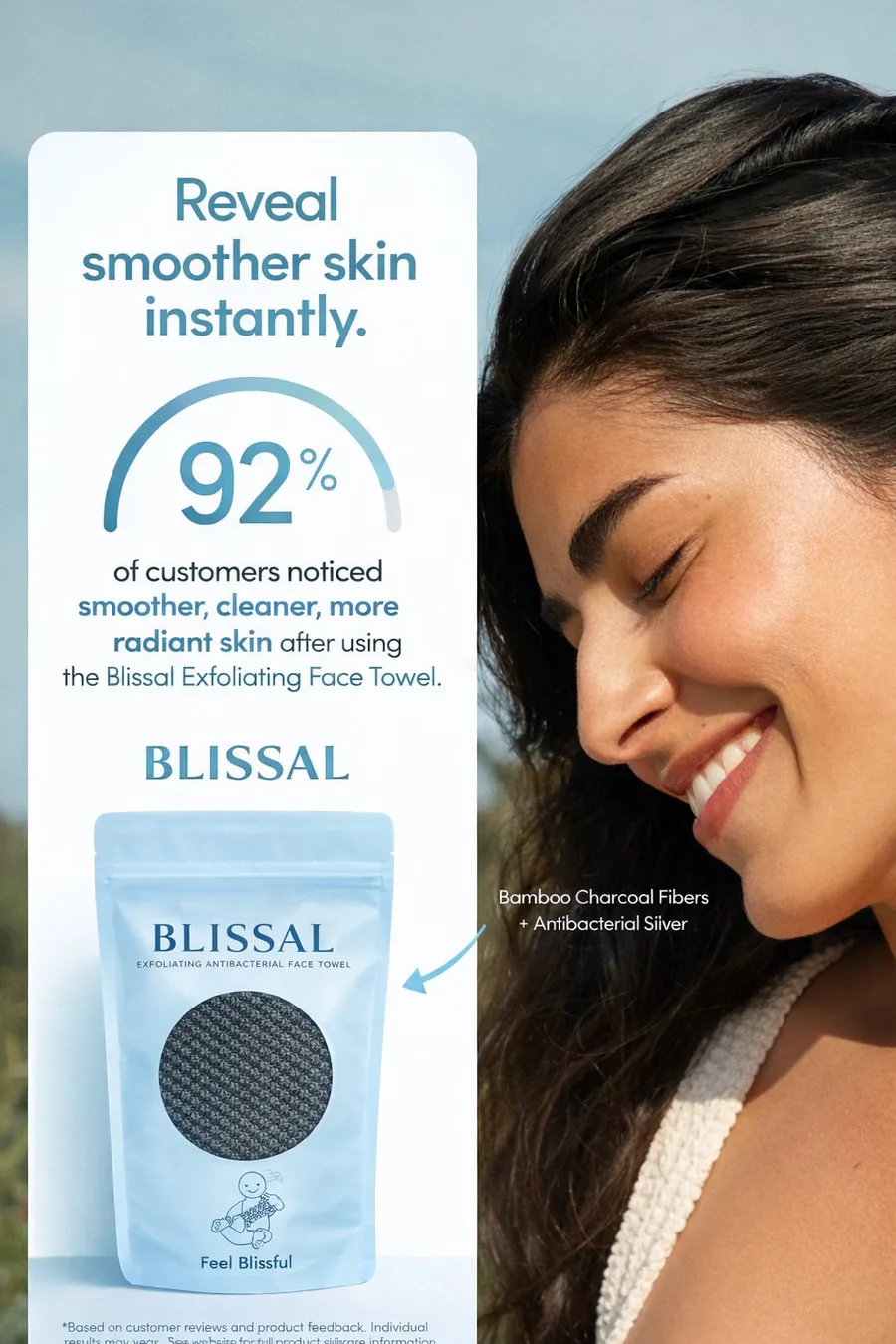
One picture, one number, one product. A clean ad like this gives the AI less to change.
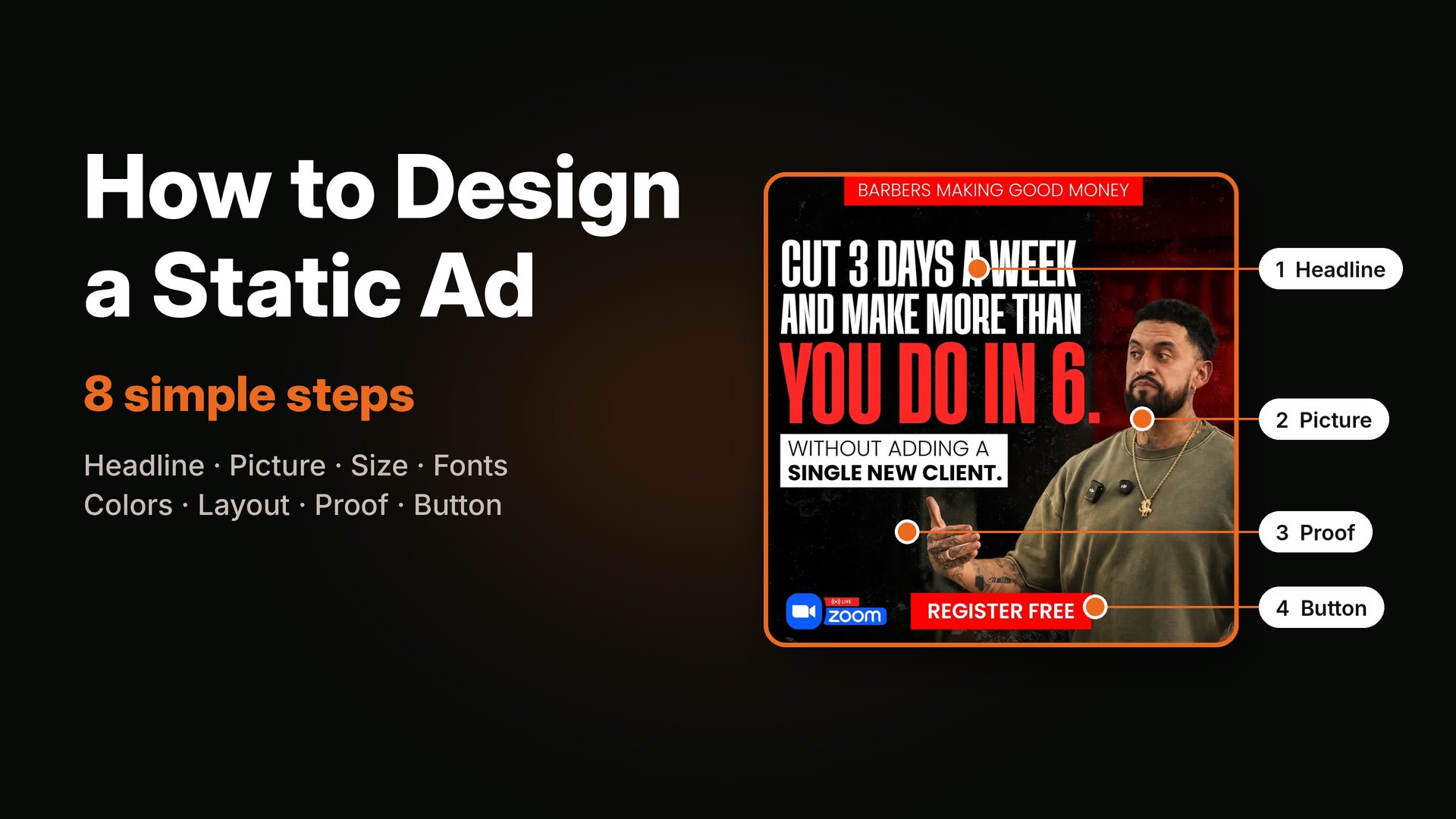
For a full design walk-through, read how to design a static ad.
Should you use AI tools or a designer?
Both. Use a person for the big idea. Let the tools help with small things, like text options, if they pass your check.
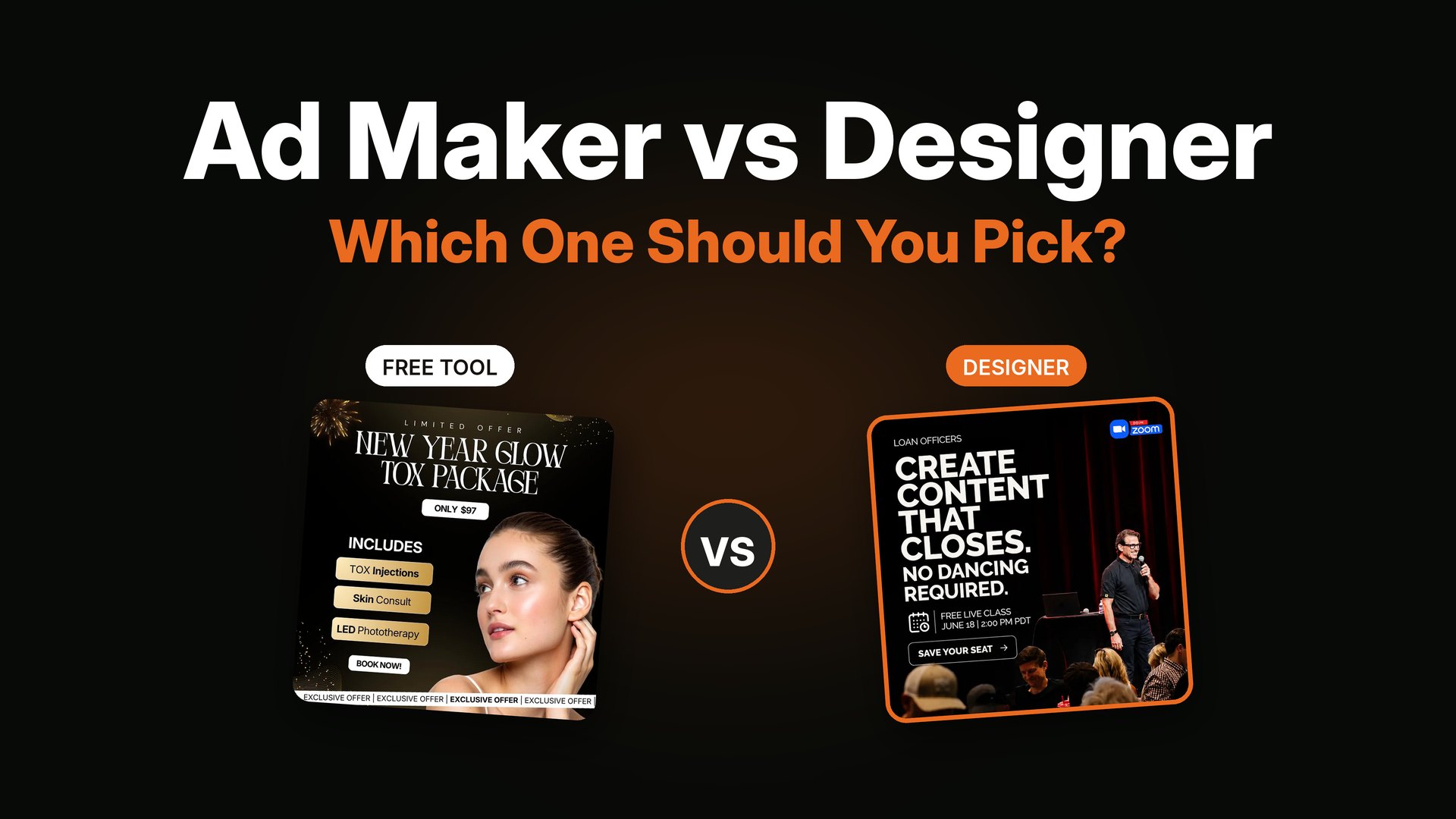
If you want to compare other AI tools, see AdCreative.ai review, pricing and alternatives. If you want to know whether a plain tool or a person is right for you, see static ad makers vs a designer.
Quick checklist before you turn anything on
- Did I read what each setting does?
- Did I save a clean copy of my original ad?
- Did I check every AI version on my phone?
- Did I remove any claim I cannot prove?
- Am I running a test with these settings on and off?
- Do I know which settings I turned on, so I can undo them?
FAQ
What is Meta Advantage+ creative?
Advantage+ creative is a set of optional Meta tools that change your ad after you upload it. They can fix brightness, change the shape of an image, write other versions of your text, add templates and more. You can turn each one on or off.
Should I turn on Advantage+ creative for static ads?
It depends on the setting. Simple fixes are usually fine. AI image changes, like image expansion and background generation, are worth testing with care. Text changes should be read line by line. Always test on against off.
Does Meta's AI make ads for you?
Meta's tools can change and add to an ad you upload, and they can write text options. They help with variations. They do not replace the idea for your ad, which should come from your buyer and your offer.
How do I turn off Advantage+ creative enhancements?
In Ads Manager, open your ad and look for the creative settings or enhancements section. Names and places change, so check what you see in your own account, or read Meta's help pages.
Is image expansion good for static ads?
It can help an ad fit Stories or Reels, but it can also add odd shapes or cut text. I make the tall version myself when I can. If you use expansion, check the result on a phone before you scale.
Do AI creative tools replace a designer?
They speed up small tasks. A designer still brings the angle, the proof and the look. If you want help with that, see how to hire a static ad designer.
Want ads that look the same in every placement?
I design static ads in the sizes you need, so the AI has less to fix. I also plan the angles with you, for DTC, e-commerce, coaching and info-product brands. See real ad examples by industry or my services page. If it looks like a fit, book a short call and we can start with a small test batch.