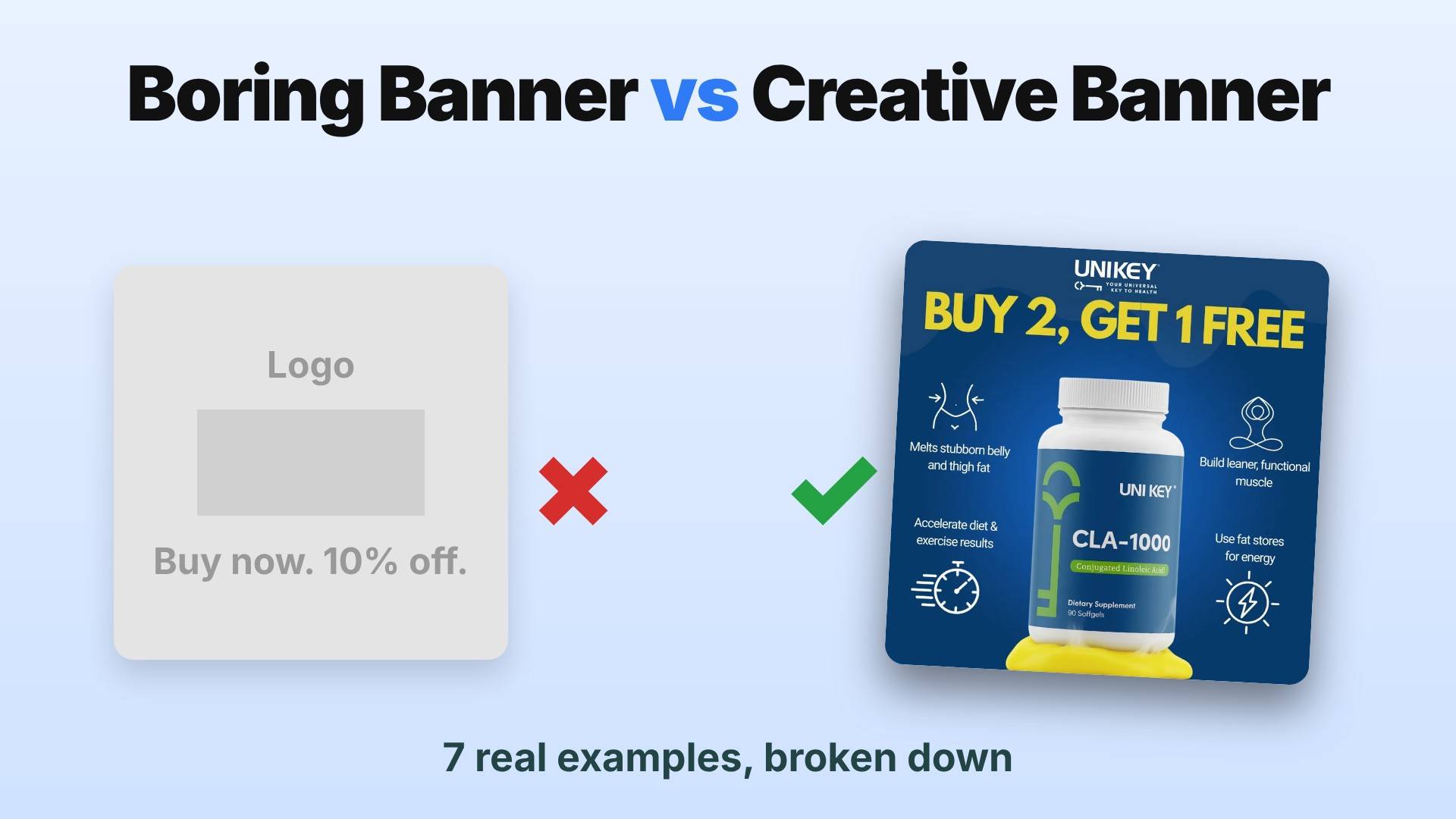
Quick answer: The Google ad sizes to start with are 300x250, 336x280, 728x90, 300x600 and 320x50 for uploaded display banners, and 1200x628 (landscape) and 1200x1200 (square) for responsive display, Performance Max and Demand Gen images. Uploaded image ads must be GIF, JPG or PNG and 150 KB or smaller. Image assets for responsive and AI-led campaigns can be up to 5120 KB. Below is every size Google lists, the specs for each campaign type, and how I design for them.
Key takeaways
- Google has two kinds of image ads: fixed-size banners you upload, and image assets Google mixes into many sizes for you.
- For fixed banners, start with 300x250, 336x280, 728x90, 300x600 and 320x50. Add more sizes later.
- For responsive, Performance Max and Demand Gen, make 1200x628, 1200x1200 and a 4:5 portrait version (960x1200).
- Keep text off responsive image assets. Google adds the headline for you, and text on the image can repeat or get cut.
- Google is moving Display campaigns into Demand Gen in 2026, so check which campaign type you are building for before you design.
I am Nouman Raza, and I design static ads, mostly for Facebook and Instagram. Google works differently. "Google ad sizes" means two different things, and most guides mix them up. This post separates them, lists every size from Google's own help pages, and shows you which ones to make first.
All specs below were checked against Google Ads Help in November 2026. Specs change, so I link to the source for each table.
What are the standard Google ad sizes?
The standard Google ad sizes are the fixed pixel sizes you can upload as image or HTML5 ads on the Google Display Network. Google groups them into four families. Here is the full list from Google's uploaded display ads specifications.
Square and rectangle sizes
| Size | Google's name |
|---|---|
| 200x200 | Small square |
| 240x400 | Vertical rectangle |
| 250x250 | Square |
| 250x360 | Triple widescreen |
| 300x250 | Inline rectangle (often called medium rectangle) |
| 336x280 | Large rectangle |
| 580x400 | Netboard |
Skyscraper sizes
| Size | Google's name |
|---|---|
| 120x600 | Skyscraper |
| 160x600 | Wide skyscraper |
| 300x600 | Half-page ad |
| 300x1050 | Portrait |
Leaderboard sizes
| Size | Google's name |
|---|---|
| 468x60 | Banner |
| 728x90 | Leaderboard |
| 930x180 | Top banner |
| 970x90 | Large leaderboard |
| 970x250 | Billboard |
| 980x120 | Panorama |
Mobile sizes
| Size | Google's name |
|---|---|
| 300x50 | Mobile banner |
| 320x50 | Mobile banner |
| 320x100 | Large mobile banner |
Regional sizes
Some sizes only show in certain countries. Google lists 750x100, 750x200 and 750x300 for Poland, 980x120 and 250x360 for Sweden, 930x180 for Denmark, and 580x400 for Norway. Unless you advertise in those countries, you can skip them.
What file size and format do Google display ads need?
Uploaded image ads must be GIF, JPG or PNG and no bigger than 150 KB. That limit is small, so a busy design with photos can go over it fast. Here are the rules for each uploaded format:
| Format | File types | Max size | Notes |
|---|---|---|---|
| Image ad | GIF, JPG, PNG | 150 KB | Most common choice |
| Animated GIF | GIF | 150 KB | Animation must stop by 30 seconds and run slower than 5 FPS |
| HTML5 ad | ZIP with HTML, plus optional CSS, JS, images, SVG | 600 KB | Up to 40 files in the ZIP. Only for eligible accounts |
| AMPHTML ad | ZIP | 600 KB | One HTML file plus up to 39 media files |
HTML5 ads are not open to everyone. Google says your account must be open for more than 90 days, have more than $9,000 in lifetime spend and a good policy history, and you still have to apply. Source: Google Ads Help.
One more catch: Google Ads Editor does not accept double-size files for sharp screens, for example a 640x100 file for a 320x50 slot. Export at the exact size. Source: Google Ads Editor Help.
Which Google ad sizes should you make first?
If you are making fixed banners, you do not need all 20 sizes on day one. This is the starter set I would build, because it covers the main places ads show: inside articles, sidebars, the top of pages and mobile screens.
| Priority | Size | Where it usually shows |
|---|---|---|
| 1 | 300x250 | Inside and beside articles, desktop and mobile |
| 2 | 336x280 | Inside articles, a bigger version of 300x250 |
| 3 | 728x90 | Top of desktop pages |
| 4 | 300x600 | Desktop sidebars, a tall format with room for a product |
| 5 | 320x50 | Mobile, top or bottom of the screen |
| Next | 320x100, 160x600, 970x250, 970x90 | Add these once the first five are running |
After a few weeks, check the placement report in Google Ads. It tells you which sizes actually get impressions and sales for your account. Make more of those, and stop updating the sizes that never show.
What image sizes do responsive display ads use?
Responsive display ads do not use fixed sizes. You upload images, logos and text, and Google combines them to fit almost any ad space. So instead of 20 banners, you upload a few images in set ratios. Here are the specs from Google's create a responsive display ad page and best practices guide:
| Asset | Ratio | Recommended | Minimum |
|---|---|---|---|
| Landscape image | 1.91:1 | 1200x628 | 600x314 |
| Square image | 1:1 | 1200x1200 | 300x300 |
| Vertical image (optional) | 9:16 | 900x1600 | 600x1067 |
| Square logo | 1:1 | 1200x1200 | 128x128 |
| Landscape logo (optional) | 4:1 | 1200x300 | 512x128 |
Images and logos can be up to 5120 KB, in JPG or PNG. Google recommends 5 to 10 images per ratio, so the system has enough to mix and test.
For text, Google's specs guide lists headlines of up to 30 characters, one long headline of up to 90 characters and descriptions of up to 90 characters.
Should you put text on responsive display images?
No. Google's own guide says to avoid text over images in responsive display ads, because Google already adds your headline next to the picture. Text on the image can repeat, and it becomes unreadable in small slots. Google also says not to add fake buttons or overlay your logo.
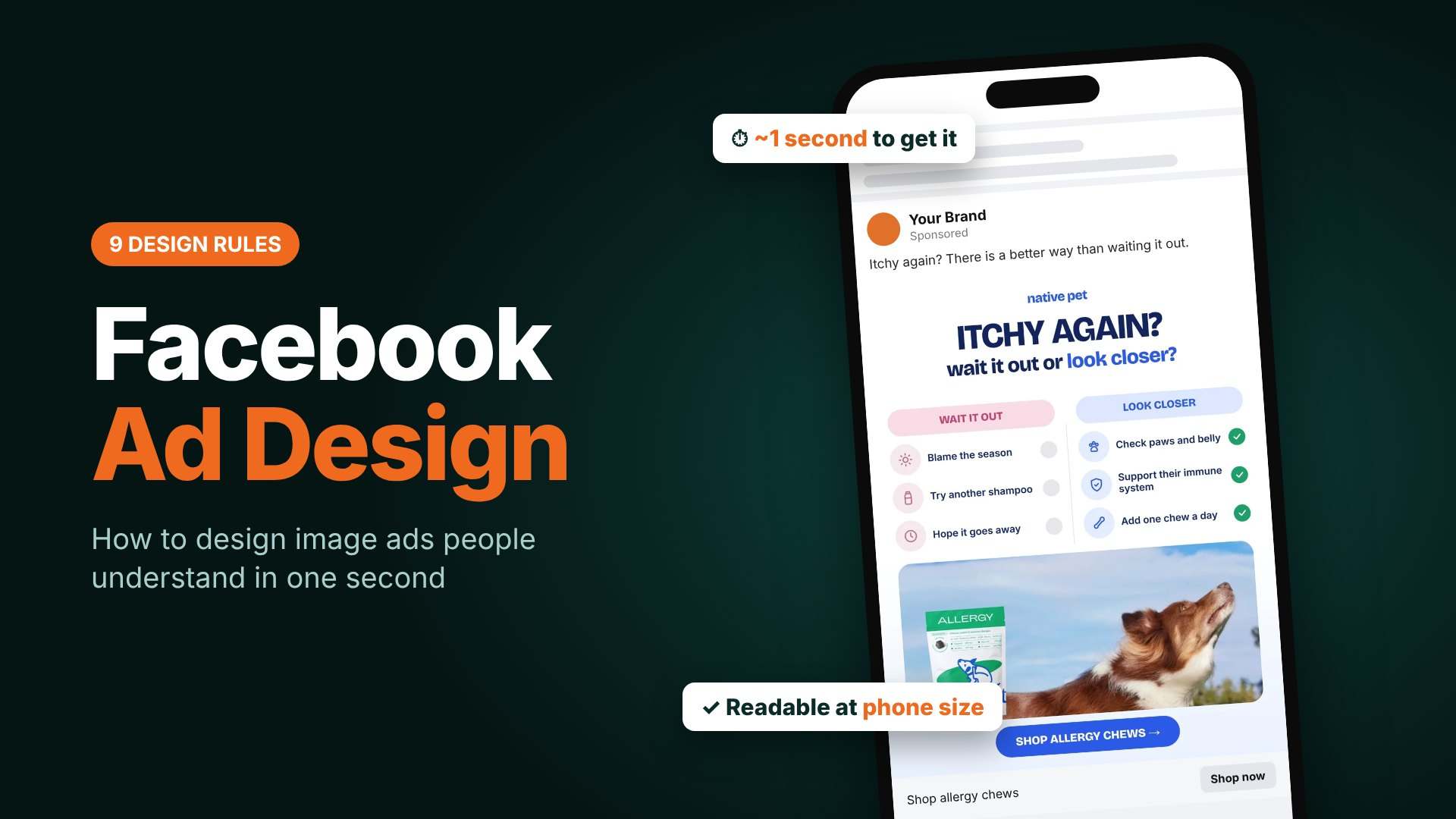
This is the biggest mistake I see when brands reuse a Facebook ad on Google. A static ad with a big headline works as an uploaded banner. As a responsive image asset, use a clean photo of the product or the result instead, and let Google add the words.
Need a brief for your designer? My free guide The Brief covers 7 common brief mistakes and the 6 lines a designer actually needs, so every size comes back right the first time.
What are the Performance Max and Demand Gen image sizes?
Performance Max and Demand Gen use the same ratios as responsive display ads, plus a portrait option. If you design these three ratios once, you can reuse them across all three campaign types.
| Asset | Performance Max | Demand Gen |
|---|---|---|
| Landscape 1.91:1 | 1200x628 (min 600x314) | 1200x628 (min 600x314) |
| Square 1:1 | 1200x1200 (min 300x300) | 1200x1200 (min 300x300) |
| Portrait 4:5 | 960x1200 (min 480x600), optional | 960x1200 (min 480x600) |
| Vertical 9:16 | Not listed | 1080x1920 (min 600x1067), recommended for YouTube Shorts |
| Square logo 1:1 | 1200x1200 (min 128x128) | 1200x1200 (min 128x128) |
| Max file size | 5120 KB | 5 MB |
Sources: Google Ads specs guide and Demand Gen asset specs.
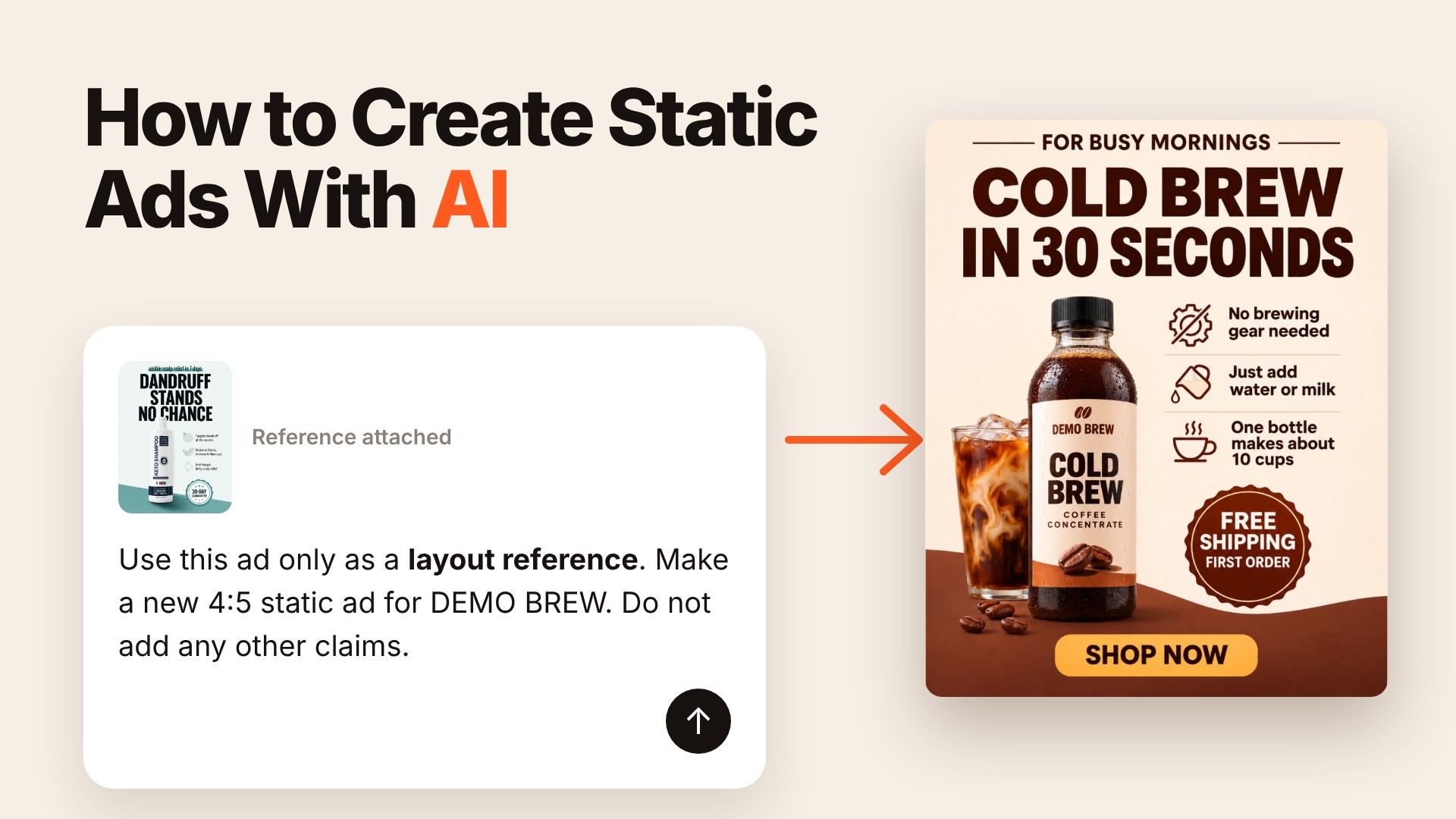
The 4:5 portrait size is the same shape as a Facebook and Instagram feed ad. So if you already run static ads on Meta, you have a head start: your 4:5 designs can become Demand Gen and Performance Max portrait assets, as long as you follow Google's rules on text and logos for those placements.
Is Google Display moving to Demand Gen?
Yes. Google says Display campaigns are moving to Demand Gen. A migration tool started rolling out to eligible accounts in June 2026. Google says that later, new campaigns will only be created in Demand Gen and the remaining Display campaigns will be moved automatically. Source: Google Ads Help.
What this means for design: the Google Display Network is not going away, but it is becoming one place your Demand Gen ads can show. In practice, that makes the 1.91:1, 1:1 and 4:5 images more important every month, and the long list of fixed banner sizes less important.
How to design ads that work in every Google size
Specs get your ad approved. Design gets it clicked. These are the rules I follow when I size a static ad for Google.
1. Design the smallest size first
A 320x50 mobile banner gives you room for a logo, five or six words and a button. If your message works there, it works everywhere. If you design the big billboard first, you end up cutting the best part later.
2. Keep one message per banner
Display ads are seen for a second, often from the corner of an eye. One headline, one image, one button. For the thinking behind this, see the anatomy of a static ad.

I designed this square ad for a dental marketing brand. There is a lot of empty space, one short headline, one line of support text and a single button. That is why it can shrink to a 250x250 or 300x250 slot and still be read. Steal the space: the less you put in, the smaller the ad can go.
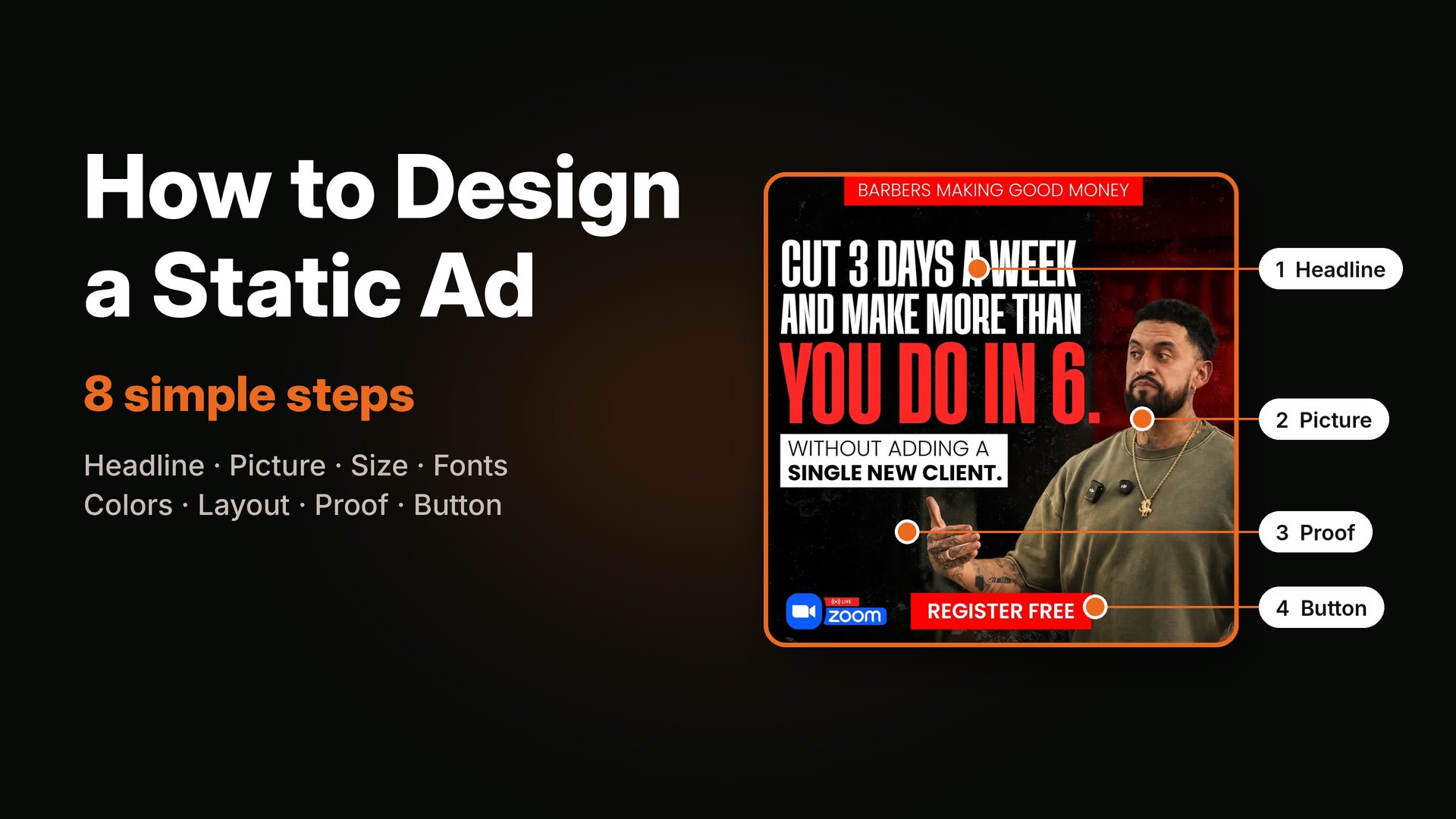
3. Make the headline huge and short

This webinar ad uses a tall condensed font that fills almost half the square. Five words, very big. At a small size, the headline is still the first thing you see. When you crop this idea into a 728x90 leaderboard, keep the headline and the button, and drop the photo if it does not fit.
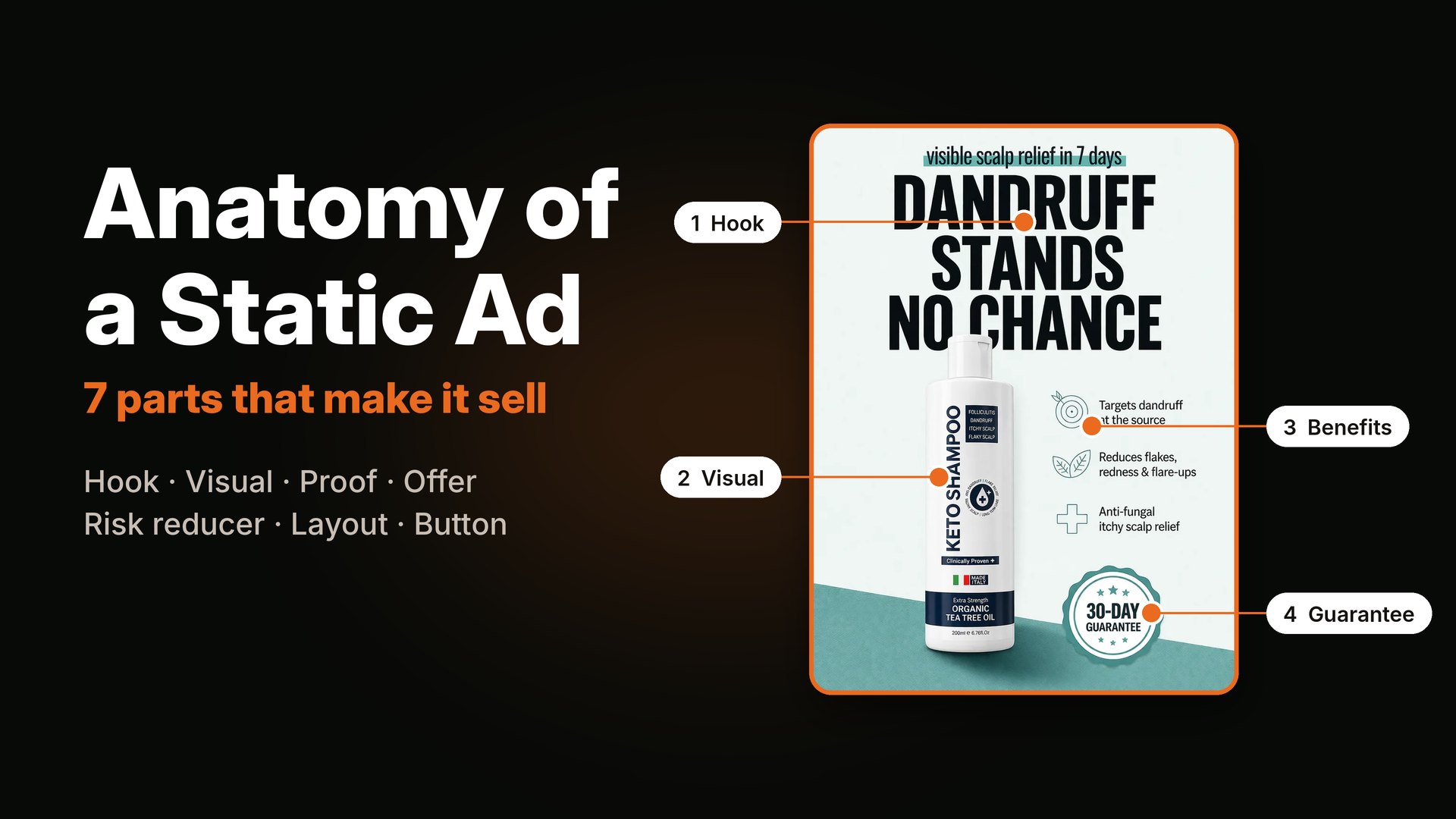
4. Use tall sizes for products

This tall e-commerce ad puts the offer on top, the product in the middle and short benefit labels around it. The same stacked layout maps well to a 300x600 half-page ad: offer, product, proof, button, from top to bottom. I explain more layouts like this in 10 Facebook ad templates.
5. Check the file size before you upload
At 150 KB, a large photo can push a banner over the limit. Export as JPG for photos, PNG for flat graphics, and compress the file. If the file is still too big, simplify the background before you lower the quality.
6. Put the logo and button in the same place in every size
People see your banners on many sites. If the logo and button always sit in the same spot, the set looks like one brand, not 20 random ads.
For a full walkthrough of building a static ad from scratch, read how to design a static ad. For Meta-specific rules, see Facebook ad design.
Can you make Google ad sizes automatically?
Partly. Responsive display ads, Performance Max and Demand Gen already resize your images for you. That is their main point. Design tools and AI generators can also resize one design into many banner sizes, but they often squash text or cut off the product, so always check every size by eye.
I compare free tools and AI generators fairly in static ad makers vs a designer and best AI tools for ad creatives. If you want new ideas to test on Google, not just new sizes, try my list of 30 ad ideas, or study what competitors run in an ad creative library.
Keep reading: running LinkedIn too? See the best B2B ads, with sizes for LinkedIn and Meta.
Keep reading: need ideas for the banner itself? See creative banner ads.
FAQ
What is the most common Google ad size?
Google does not publish a ranking for uploaded banners, but 300x250 (the medium or inline rectangle) fits the most common in-article and sidebar slots, so it is the size most advertisers make first, along with 728x90 and 320x50. For responsive display, Performance Max and Demand Gen, Google says the most common image sizes are 1200x628 and 1200x1200.
What size should a Google display ad image be?
For uploaded image ads, use the exact slot size, such as 300x250 or 728x90, at 150 KB or less. For responsive display ads, upload a 1200x628 landscape image and a 1200x1200 square image, each up to 5120 KB.
What is the file size limit for Google display ads?
Uploaded image ads, including animated GIFs, are limited to 150 KB. HTML5 and AMPHTML ZIP files are limited to 600 KB. Image assets for responsive display, Performance Max and Demand Gen can be up to 5120 KB.
Can I use my Facebook ads on Google?
Yes, with changes. A 4:5 Facebook feed ad can become a portrait asset for Demand Gen or Performance Max, and a strong headline layout can be resized into uploaded banners. For responsive image assets, remove the text and buttons, because Google adds text for you and asks you not to put text over images.
How many images do responsive display ads need?
At least one landscape and one square image. Google recommends 5 to 10 images per ratio so the system has enough to combine and test.
What size is a Google leaderboard ad?
A standard leaderboard is 728x90. Google also lists a large leaderboard at 970x90 and a billboard at 970x250 for wider desktop placements.
Need ads in every size?
I design static ads for DTC, e-commerce, info-product and coaching brands, and I deliver them in the sizes each platform needs, from 4:5 feed ads to Google banners. You can see what is included on my services page. If it looks like a fit, book a short call and we can start with a small test batch.